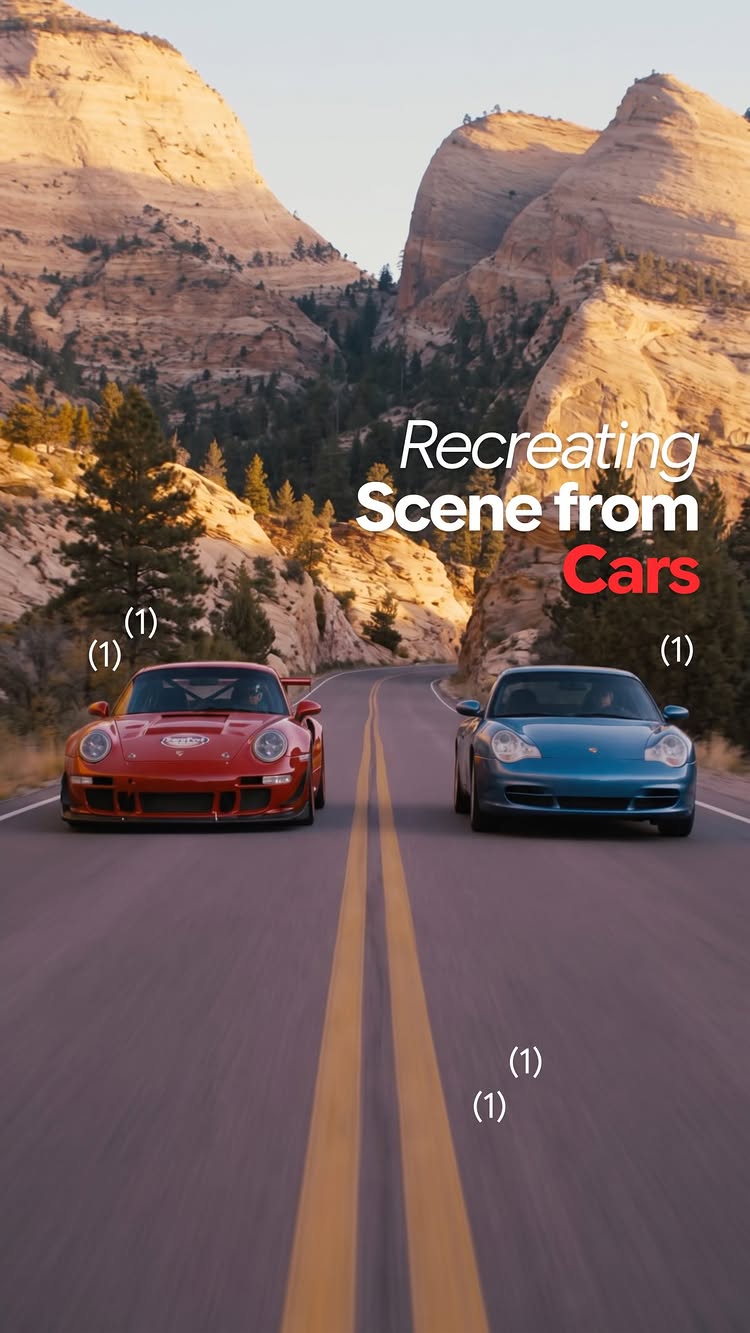
An AI video split-screen comparison recreates a famous driving scene from the movie Cars using realistic sports cars.
469Kviews
28Klikes
255comments
1.6Kshares
1.1Ksaves
180Kfollowers
46slong
5.9%liked
hookViewers stop scrolling to see how real sports cars compare to the classic scene from the movie Cars.
Top visual. A red and blue sports car drive down a desert road in realistic video.
Bottom visual. The original scene from the animated movie plays directly underneath.
Background music. A slow indie rock song plays gently over the video.
Text labels. On-screen captions clearly mark which video is AI and which is the movie.
Broad appeal. Anyone who likes animated movies or real sports cars will stop to watch.
retainThe side-by-side comparison keeps viewers watching to see how close the AI gets to every detail.
Visual match. Real Porsche models drive through landscapes that mimic the movie scenes.
Pacing and cuts. There are 4 shots in 45.8 seconds, with a new shot about every 11.4 seconds, and cuts at 4.0s, 6.8s, and 25.7s.
Nostalgic storytelling. The clip follows the romantic drive between Lightning McQueen and Sally.
Prompt callout. The caption invites viewers to comment to get the AI prompts.
rewardViewers walk away feeling nostalgic and impressed by how realistic AI video looks.
Nostalgic feeling. Remembering a favorite movie scene brings back warm memories.
Tech excitement. Seeing real cars replace cartoon characters looks impressive and fun.
Creative urge. Viewers feel inspired to make their own AI movie clips using prompts.
kareema yertargyncars movielightning mcqueensallyai video recreationrealistic carsside by sideanimated vs realporschemovie nostalgiaai promptsreelviral comparison
Recreated the epic scene from “Cars”🏎 Comment “CARS” for the prompts. McQueen and Sally have such a special place in my heart🥹 Seeing that this cartoon is back in trend, decided to recreate my favorite scene. Comment “Cars” to make it too
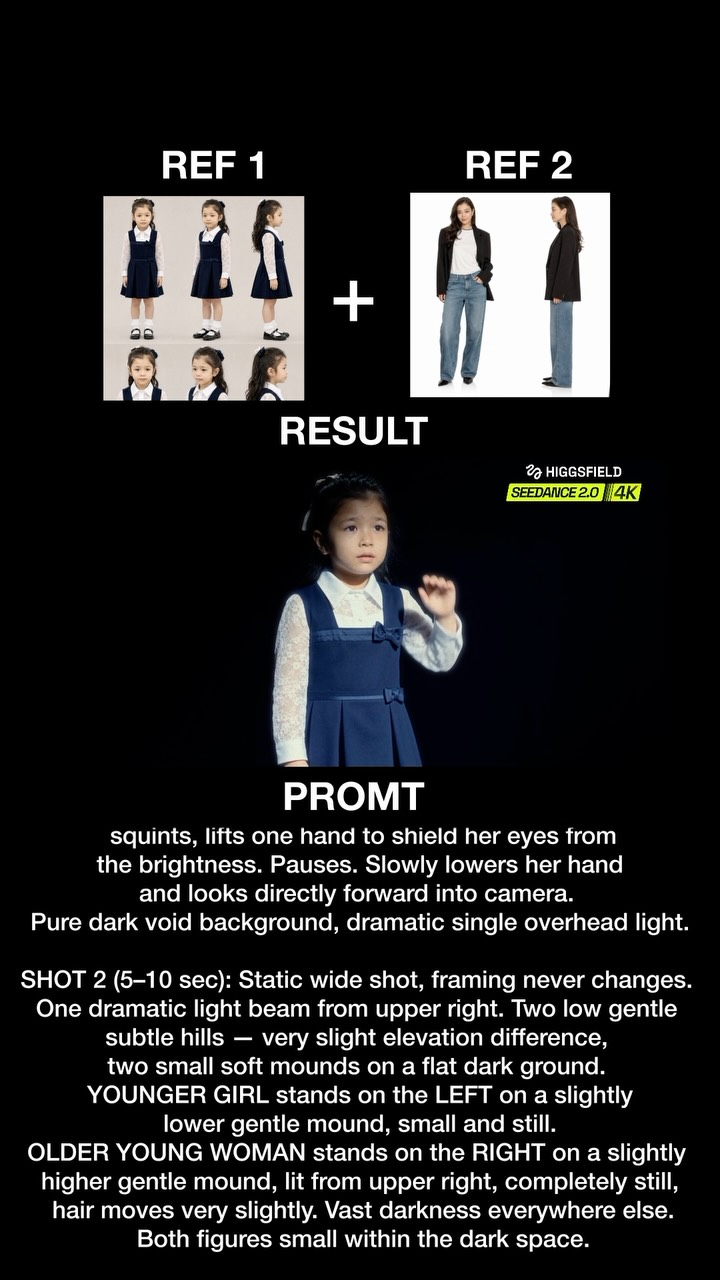
This video shows an impressive AI video clip where a girl steps into a dark room to face her older self.
453Kviews
15Klikes
5.5Kcomments
8.7Kshares
13Ksaves
180Kfollowers
10slong
3.4%liked
hookThe top section shows character reference sheets that promise an advanced AI tool showcase.
Visual setup. Reference pictures for two characters appear above a dark AI video render.
Atmospheric audio. A sharp game voice announces a level transition over moody music.
Bold prompt text. Prompts are clearly typed out on the screen below the video player.
Broad topic. AI video generation interests anyone curious about new digital creation tools.
retainViewers keep watching to see how accurately the AI video follows the visual prompt.
Visual reveal. The little girl steps into a dramatic spotlight before facing an older version of herself.
Simple execution. The video shows the result directly instead of explaining the technical process.
Moody acting. The small character acts hesitant and tense in the dark setting.
Single shot. The clip runs as one unbroken take for almost ten seconds.
Essential text. The video relies on the written prompt to show what the software created.
Clear progression. The character enters, turns around, and reveals her opponent in a logical flow.
Short duration. The ten second length keeps the preview quick and intriguing.
rewardViewers feel inspired by how realistic AI video prompts have become.
Creative inspiration. Viewers want to try writing prompts for AI tools themselves.
Visual satisfaction. Seeing exact text turn into realistic video feels impressive.
Curiosity raised. Viewers leave wanting the prompt details mentioned in the caption.
kareema yertargynkayes creativesai video generationseedanceseedance 2.0prompt engineeringai video promptcharacter consistencyvisual effectsgame cinematicsplit screentext to video
Seedance 2.0 in 4k is working like crazy 🤯 Comment “YOU” for the prompts 💌 Paid partnership #you #yournextopponentisyou
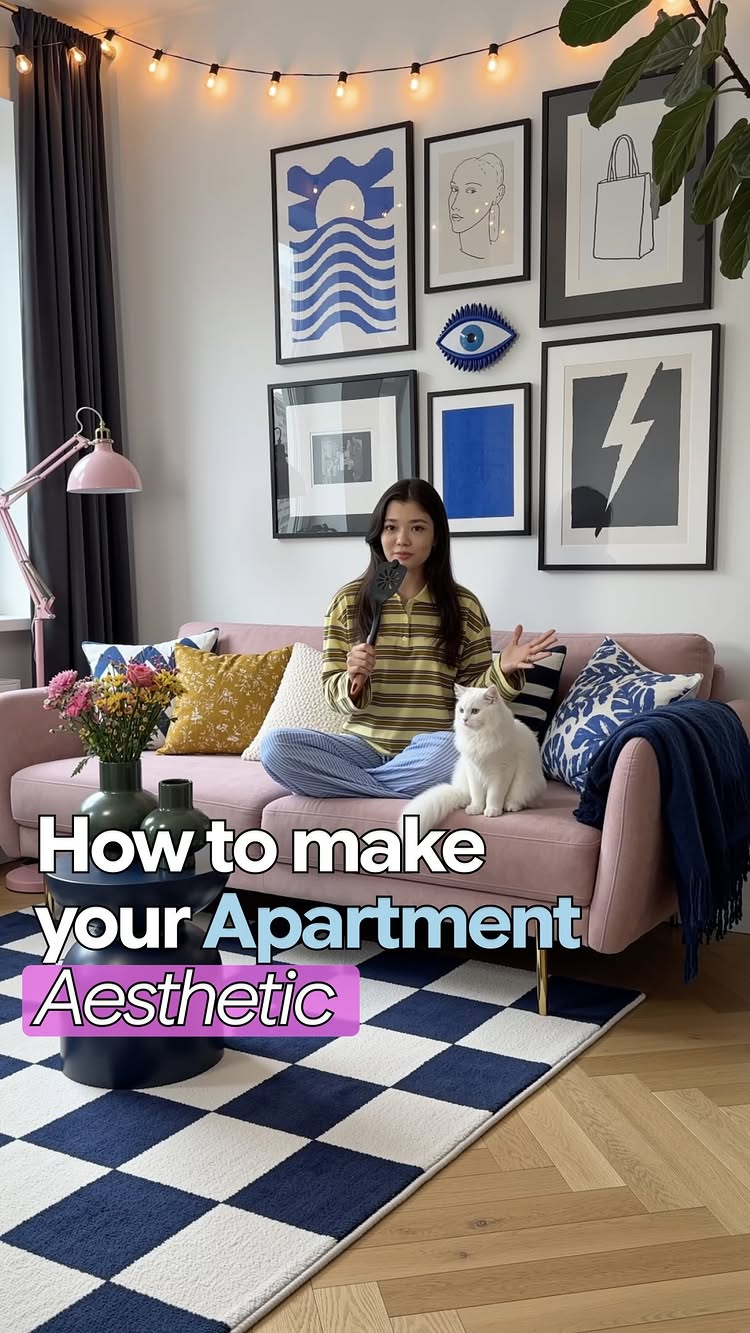
A creator demonstrates how to use an AI tool to change her plain apartment background into stylish, cozy rooms with different decor styles.
387Kviews
12Klikes
12Kcomments
13Kshares
17Ksaves
180Kfollowers
20slong
3.1%liked
hookThe viewer stops scrolling because a woman sits on a plain sofa holding a spatula as a microphone before snapping her fingers to instantly transform her room.
Creator look. A young woman sits cross-legged on a blue couch wearing a striped shirt and holding a kitchen spatula.
Setting and light. The room starts with plain white walls and simple blue cushions in bright daylight.
Audio setup. Original audio plays with her clear speaking voice introducing the video idea.
Text styling. Bold blue text appears on screen matching her spoken words.
Broad appeal. The clip appeals to anyone who wants to make professional looking videos in a basic apartment.
retainViewers keep watching to see the room transformations and learn the exact step-by-step method to change backgrounds.
Visual transformation. Quick finger snaps instantly switch her background to warm, stylish rooms with art, lamps, and colorful furniture.
Show don't tell. The video demonstrates real background swaps rather than just talking about them.
Relatable presentation. She speaks with a warm, friendly voice that makes the tutorial easy to follow.
Pacing and edits. The video cuts 9 times across 10 shots in 19.5 seconds, creating a fast pace that keeps attention high.
Playful props. She uses a kitchen spatula as a microphone and features a fluffy white cat on the couch.
Simple steps. A screen recording shows exactly where to tap inside the app and what options to pick.
Ideal length. The 19.5 second duration keeps the explanation quick and straight to the point.
rewardThe viewer walks away with a practical video editing trick and inspiration to make video content anywhere.
Practical knowledge. Viewers learn how an AI tool can swap video backgrounds while keeping the subject in place.
Creative inspiration. Viewers feel encouraged to shoot videos even if their real room is simple.
Desire for comfort. The cozy living room designs make viewers want warm, nicely decorated spaces.
Call to action. The creator invites viewers to leave a comment to receive her specific text prompts.
kareema yertargynai video editingvideo background swaproom makeoverhome decor ideascontent creation tipsbackground change tutorialvideo editing hackcozy living room decorprompt guide
No more excuses, you can make anything look aesthetic for your content now! ✨ Comment “SOFA” and I’ll dm you my prompts 💌
Meet my new dragon friend 🤭🖤 Created using Seedance 2.5 in Higgsfield. Comment “dragon” for the prompts 🐉 Inspired by @brshdsk ✨go check his other works!
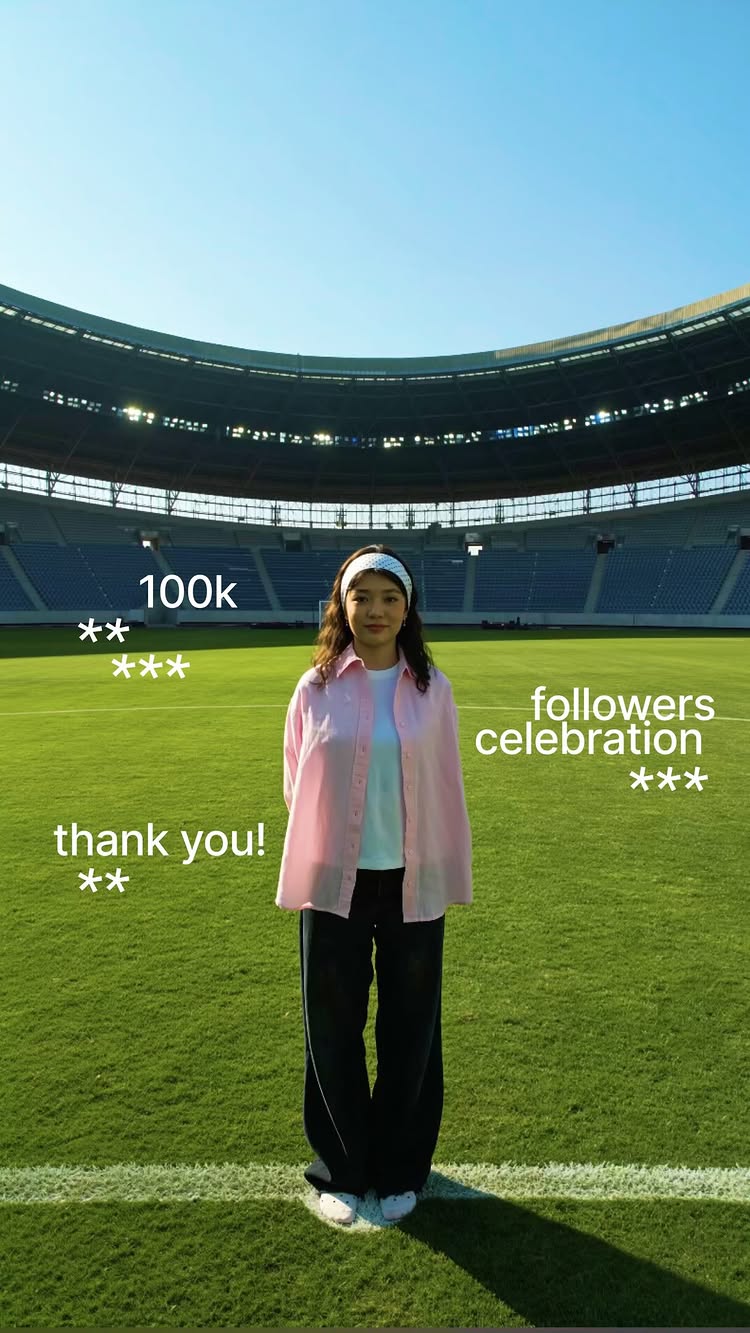
I still can’t believe I’m saying this... we hit 100K. Comment “CROWD” for the prompts💃 I remember when it was just a handful of you guys watching, and now... 100 thousand people. That’s insane to me. I’m not gonna lie, there were so many times I almost gave up on this. So genuinely thank you. For watching, for sharing, for sticking around when it was just me figuring this out.🥹 This isn’t the finish line, this is just the start of the next chapter. I’ve got so much more coming, and I want you all here for it.🩷 Thank you for believing in me before I even fully believed in myself. Let’s keep going!💥