Flex Now!⚡️ Want to see how I created this video? Step 1: Comment #ExploreGalaxy Step 2: Check your DM's to receive a video where I break down the project and show you exactly how I created the visuals!🚀 #GalaxyZFlip7 #samsungpartner
Keanu Tylle shows how he edited a complex video intro using simple photos and computer tools.
5.3Mviews
184Klikes
1.9Kcomments
51Kshares
68Ksaves
804Kfollowers
23slong
3.5%liked
hookThe instant side-by-side comparison of raw footage and finished visual effects stops scrolling viewers.
Visual setup. A split screen showing before and after video edits captures attention right away.
Lighting and sound. Upbeat electronic music plays over a dark computer desk setup with glowing screen panels.
Onscreen text. Bold white text labels the screen with AFTER and BEFORE to explain the comparison.
Broad appeal. Cool visual tricks appeal to anyone interested in video creation or special effects.
retainViewers keep watching to see all the different 3D scenes created from simple images.
Creative idea. The video reveals how stunning 3D visual effects come from basic static photos.
Fast visual flow. Smooth transitions quickly cycle through different edited scenes and visual prompts.
Unbroken take. The video flows in 1 unbroken take across its 22.5 seconds duration without hard cuts.
Easy to follow. Showing original images beside final clips makes the editing steps easy to understand.
Right length. The quick runtime keeps the visual reveal fast and exciting.
rewardViewers learn how modern tools turn simple photos into cinematic video effects.
Creative inspiration. Viewers feel inspired to try making their own visual effects with simple images.
Behind the scenes. Viewers learn how 3D video scenes are built from basic photos.
Visual satisfaction. Watching simple pictures transform into smooth movie scenes feels very satisfying.
keanu tyllevideo editingvisual effectsbehind the scenesphoto to videovideo edit tutorialcomputer graphicsspecial effectsvideo transitionediting breakdowncamera tricks
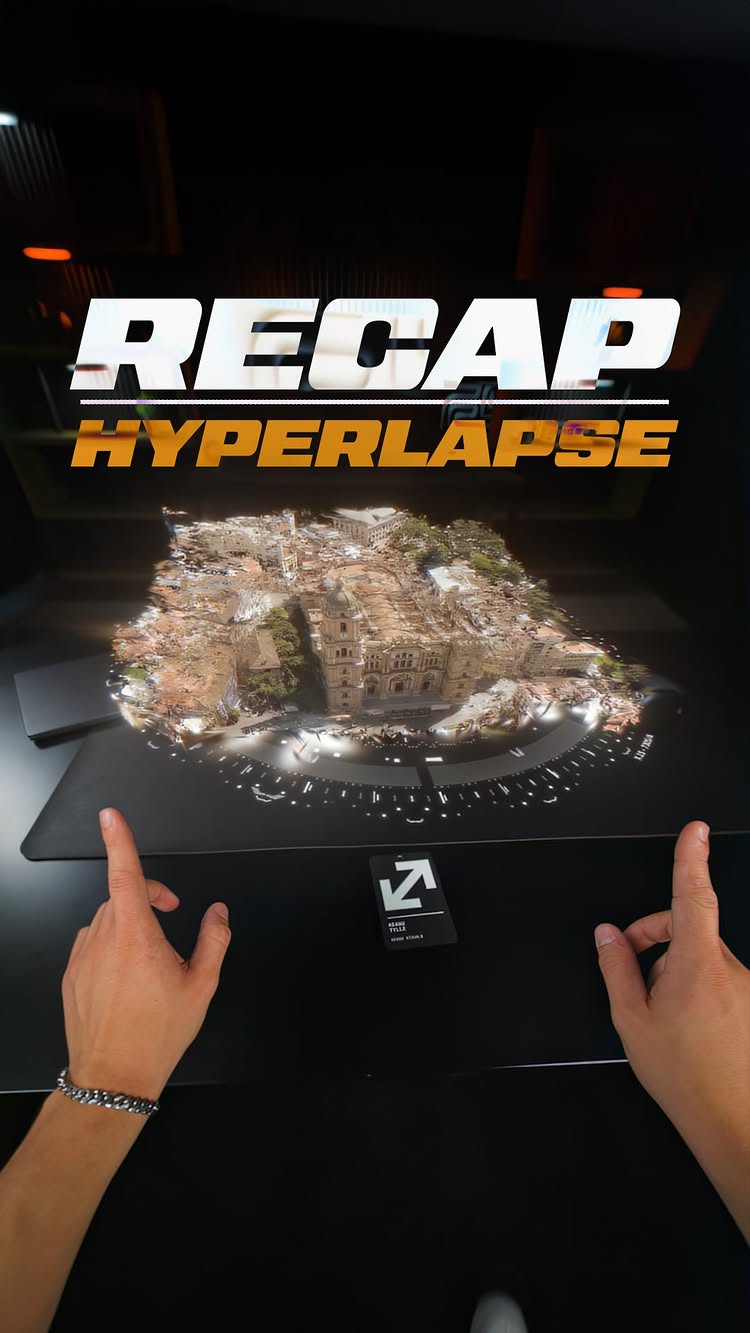
Behind the Edit! 🚀 It’s time to show you what the original intro clip actually looked like — including the very first and last frames so you can really see the hyperlapse and bullet-time. And the craziest part: every single clip in the speed-ramped section was generated from literally just two iPhone photos, then brought to life inside @freepik Spaces together with @dmytro.edits 🔥 Hope this gives you a solid look behind the scenes! If you want a full tutorial, drop your questions in the comments and let me know which part you’re most interested in. 🎬 Have an amazing day! ✌️ Sound Design @sebastianvaskio #freepik #editingskills #filmmakersworld #ai #editing #visualeffects #hyperlapse #aftereffects
No way this worked!🤯 My team + @higgsfield.ai new features = 🔥 Wow what a ride - this project was super fun but took way longer than I expected because I just kept getting new ideas I wanted to try and test with @higgsfield.ai new features, so this was a crazy process but I am super happy with the outcome - we again pushed the tools and especially our imagination to the limits!⚡️ We actually filmed the entire process - let me know if you want a BTS timeline and tutorials plus a full YouTube video with unique behind the scenes looks of the pre-production, the actual shooting day and the thinking and decision-making process of the editing stage.🔥 Let me know your thoughts in the comments!🙏🏽 #filmmakersworld #videoediting #HiggsfieldPartner #brabus #gclass
A creator uses a card on a desk to jump into cool visual clips from a tech event.
3.4Mviews
163Klikes
2.5Kcomments
34Kshares
31Ksaves
804Kfollowers
23slong
4.8%liked
hookThe hands-on visual effect with a glowing hologram card makes viewers stop scrolling.
Hands and card. Hands tap a desk holding a card with glowing screens floating above.
Dark room setting. A dark desk setup with sci-fi light effects creates curiosity.
Upbeat music. Energetic background music starts right away to build excitement.
Glowing city map. A 3D city map rises from the card with location numbers floating above.
Broad topic appeal. Visual effects and cool editing tricks catch the attention of anyone.
retainSurprising transitions and highlights from a lively conference keep viewers watching until the end.
Surprising transitions. Zooming into the small card zooms all the way into a real city building.
Visual proof. The video shows cool screens and light art from the event instead of just talking.
Pacing and shots. There are 3 shots in 22.5 seconds so each visual moment has time to show details.
Key visual props. The special card and glowing interface make the video feel like magic.
Simple story flow. The action moves from a desk trick to the event center and a night party.
Right clip length. At 22.5 seconds the clip stays fun without slowing down.
rewardViewers walk away inspired by creative video effects and exciting event visuals.
Creative inspiration. Viewers see how photos can turn into smooth video clips.
Excited feeling. Bright neon lights and energetic music make the event feel exciting.
Wanting to try. Video creators feel eager to test out new editing techniques.
keanu tyllevideo editinghyperlapsevisual effectstransition trickevent recapcamera tricksai videotech conferencecreative videofuturistic effectsvideo tipsphoto to video
Full hyperlapse - from just TWO photos. 🤯 All of these hyperlapses were created using only iPhone photos and then brought to life with @freepik Spaces. They literally announced it at the event, so I had to test it right away - and with the node-based infinite canvas, bringing this project to life was just next level. What can I say… this is a new era of content creation. The possibilities are honestly insane!🔥 Huge thanks again to the entire team for this amazing event and to all the legends we met there. Can’t wait to see you all again soon!🫡 Special shoutout to @dmytro.edits for helping me bring this edit to life! This was @upscaleconf 2025 in Málaga through my eyes - hope you enjoyed this little recap! Drop your thoughts in the comments, I’d love to hear them.🙏🏽 Can’t wait to see all you legends again: @chrisfirstt @ohneis652 @pascal.zero7 @leander_ed @davee.visuals @josholufemii @rourkeheath @trinijimenez0 @linusekenstam @davethegreko #freepik #upscaleconf #videoeffects #ai #filmmakersworld #aftereffects
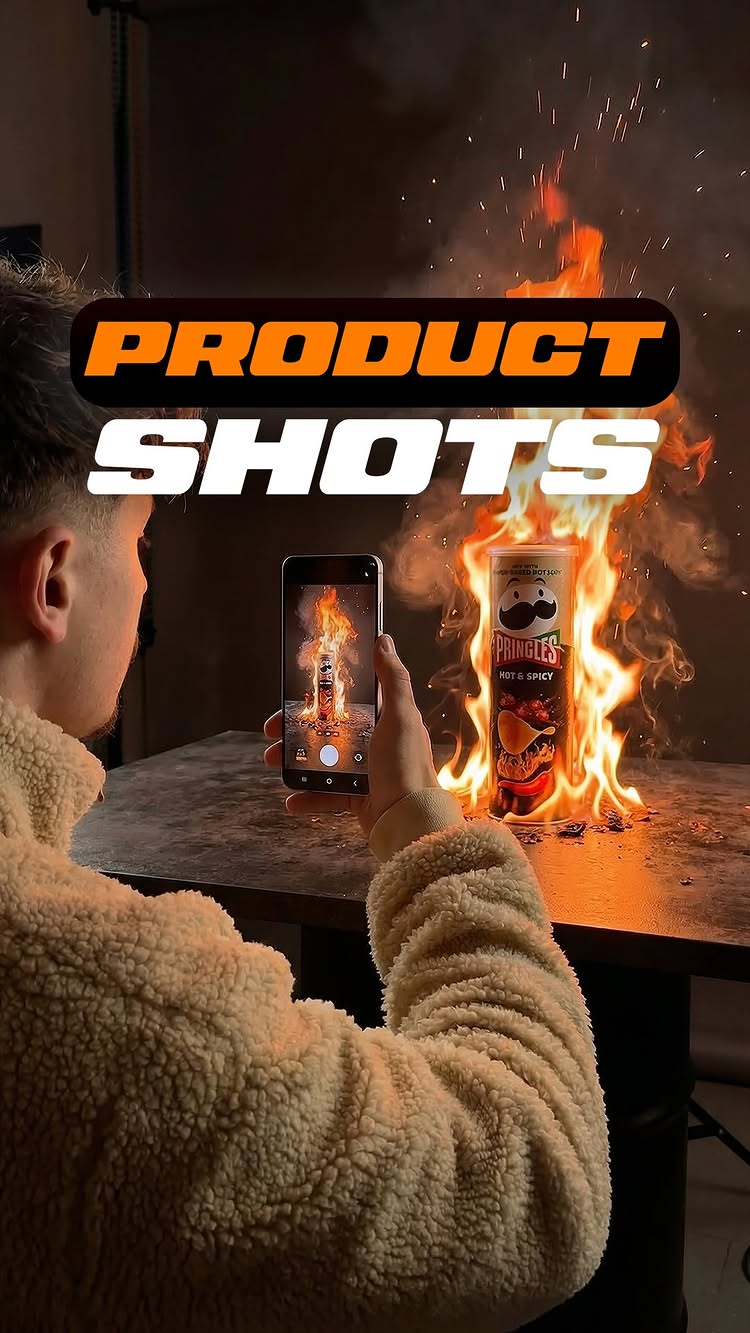
I can’t believe this worked 🤯 If you had told me a year ago that I could literally walk into a supermarket, take 6 photos, and turn them into a high-quality product ad, I wouldn’t have believed you. But that’s exactly what’s possible right now.🔥 Big credit to @terencesia for inspiring me with this format. I saw his video yesterday and couldn’t believe what he created, so I had to try it myself and what can I say… it works!⚡️ If you want to know how I created these shots on @freepik using just one phone image, let me know in the comments!🚀 Visual demonstration only. No affiliation, sponsorship or endorsement by any brand shown. Sound Design @sebastianvaskio #productshots #aftereffects #freepik #editing #filmmakersworld
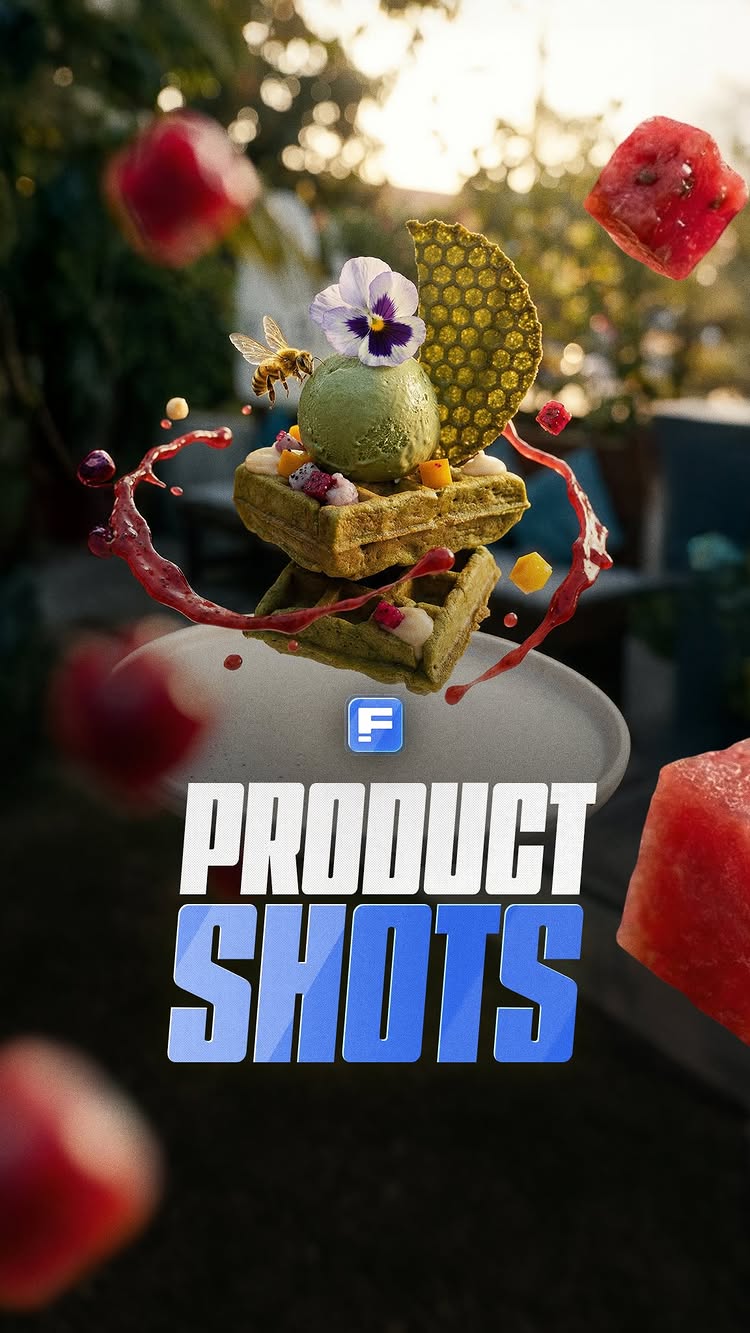
PHONE TO EPIC SHOTS 🔥 I challenged myself to take basic phone photos of my cappuccino, matcha waffles, and smoothie bowl and turn them into commercial-level product shots. And honestly, I can’t believe how well these turned out.🤯 Flying ingredients, slow-motion splashes, cinematic lighting - all created on @freepik Spaces using just my phone photos. No studio setup, no expensive gear, just clean phone photography and the right AI workflows. This is what’s possible right now.⚡️ Let me know in the comments if you want the BTS and tutorial for this workflow! Et voilà!🫡 Cafe location: @sasatornkohsamui #productshots #aftereffects #freepik #editing #filmmakersworld
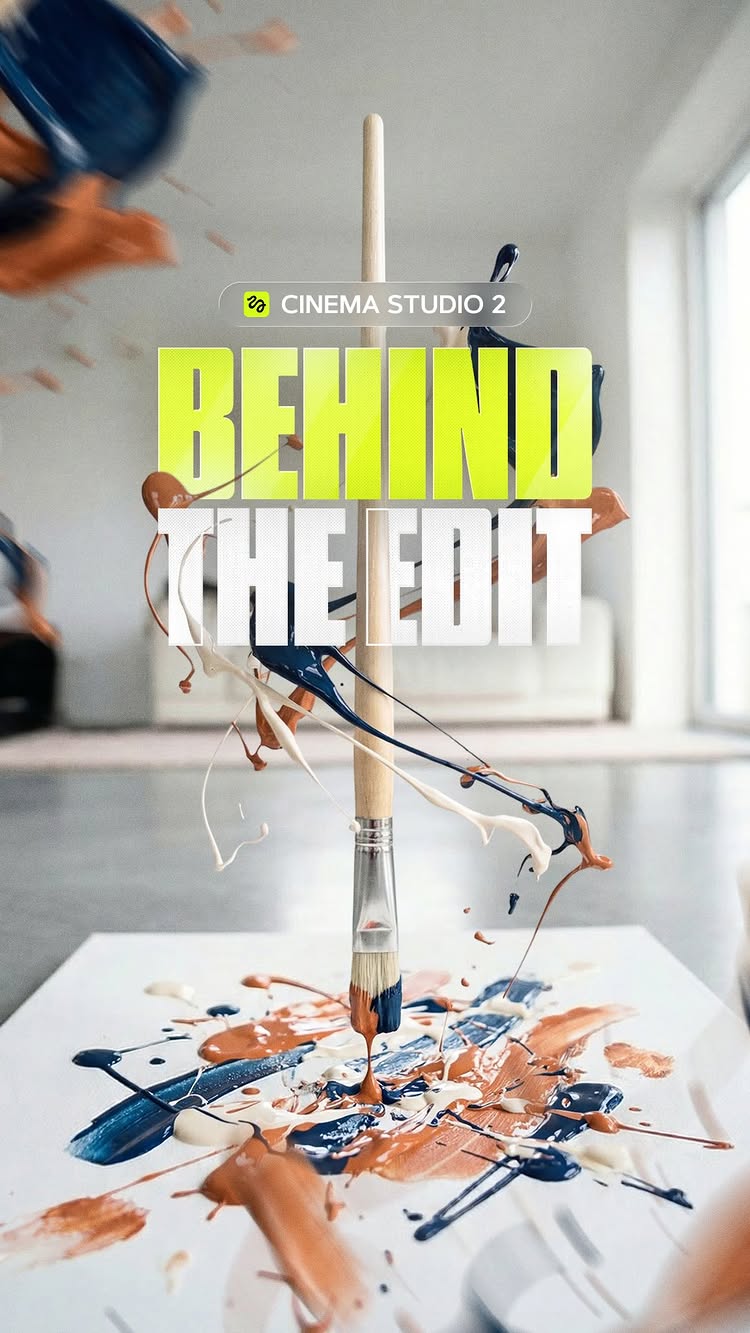
No way this worked out 🔥 I challenged myself to pick 4 random objects I found at home and turn them into interesting shots - keeping the same location and transitioning smoothly from one to another using the new Cinema Studio 2 by @higgsfield.ai What can I say, I think those turned out really well keeping in mind the full edit is based on 4 images I took on my phone. Camera whips, floating elements, smooth motion blur - all generated from simple phone shots. Day 2? Let me know in the comments if you want the BTS and tutorial 👀 Et voilà!🫡 #aitools #aivideo #smoothtransition #creativetransition #higgsfieldpartner
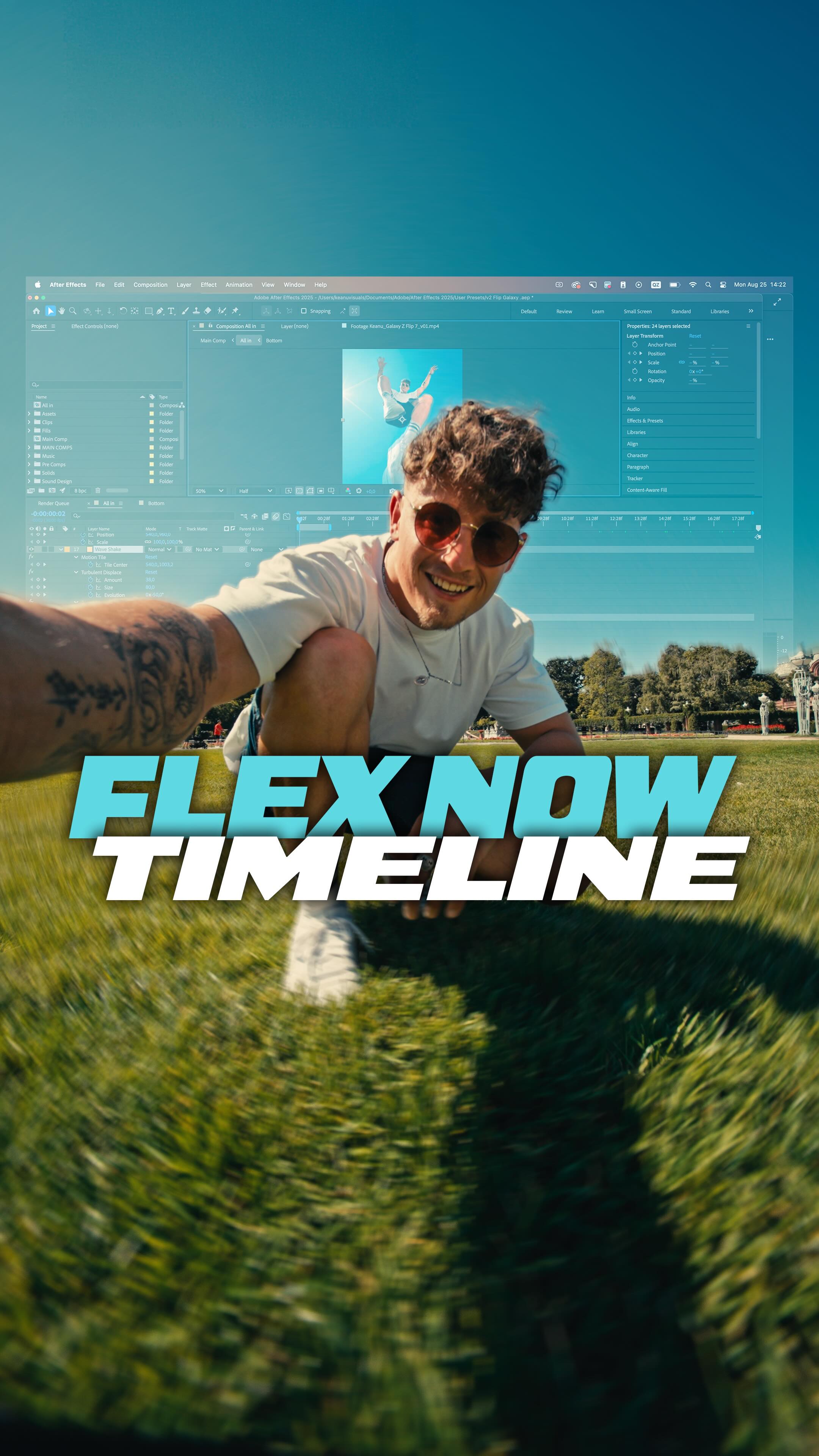
Editing Timeline 🔥 Filmmaking setup: * Sony FX3 + Tamron 17–28mm f/2.8 on a gimbal for smooth, dynamic shots * POV shots with a helmet rig + Laowa 10mm f/2.8 * External monitor to stay in control of framing and movement In post-production: * Screen replacements tracked frame by frame * 3D camera tracking for HUDs, graphics, and photos * Heavy stabilization for hyper-smooth speed ramps * Signature transitions like the eye transition * Designed as a perfect loop, ending with me grabbing the camera, placing it on the floor, and jumping back into the opening shot Full editing breakdown is now live on YouTube - I show exactly how I built this project step by step.🫡 #GalaxyZFlip7 #filmmaking #bts #visualeffects #editing #filmmakersworld #aftereffects #editingskills
A filmmaker straps a camera helmet to his head to create a smooth camera transition into a digital screen effect.
2.2Mviews
76Klikes
553comments
808shares
4.9Ksaves
804Kfollowers
17slong
3.4%liked
hookThe viewer stops to see how a bizarre helmet rig creates a wild video effect.
Wild camera rig. A man stands on a table holding a heavy camera setup strapped onto another man's head.
Bright studio lighting. The dark room is lit by professional video lights and glowing screens.
Hip hop music. Energetic beats start playing immediately as the camera gets set up.
Bold text overlay. White text says 'No way this actually worked' right in the center.
Broad appeal. Anyone interested in cool video tricks or behind the scenes filmmaking will stop.
retainThe quick transitions and impressive visual effects keep viewers watching until the final result.
Behind the scenes look. Showing the difficult setup first makes the final visual effect feel more rewarding.
Smooth visual transition. The camera swoops into the laptop screen and morphs into a digital futuristic menu.
Cool CGI effects. Floating menus and close-up shots of computer parts show off high-level editing skills.
Fast shot changes. There are 8 shots in 16.8 seconds, with a new shot about every 2.1 seconds.
The rig as a key prop. The heavy camera helmet is the core tool that makes the smooth transition work.
Clear story flow. The video starts with the hard attempt and ends with the polished final shot.
Right video length. The short 16.8 second time fits the quick presentation of a single cool trick.
rewardViewers walk away amazed by the creative effort and cool visual effects.
Impressed by effort. Viewers appreciate how much work went into getting the camera shot right.
Inspired to create. Aspiring filmmakers feel motivated to try creative camera rigs for their own projects.
Satisfied by the result. Seeing the awkward real-life shot turn into a sleek digital world feels rewarding.
keanu tyllevideo editingvisual effectsbehind the scenescamera rigfilmmakingcgiaugmented realitylaptop reviewtransition effecthead camerastudio shootingcreative process
After more than 50 tries, we finally got the right shot. We probably could’ve made it even cleaner with 100 takes, but sometimes you just gotta take the win haha. 🔥🎥 CGI: @michal.rech Sound Design: @sebastianvaskio Color Grading: @claudiu_dop Special Thanks: @leander_ed @timm.keppel #aftereffects #filmmakersworld #visualeffects #pov #augmentedreality #filmmakerslife
A short guide showing how to turn simple phone photos into animated AI videos.
2.2Mviews
55Klikes
14Kcomments
32Kshares
51Ksaves
804Kfollowers
11slong
2.5%liked
hookPeople stop scrolling to see real photos morph into animated digital artwork.
Bold visual contrast. A side-by-side view shows plain real objects turning into cinematic scenes.
Modern app layout. Dark screens display prompt text and setting sliders clearly.
Upbeat background music. Catchy audio plays over the smooth motion effects.
Onscreen text prompt. Bright labels explain how the effect was created.
Broad creative appeal. Anyone interested in AI art or video editing will stop to watch.
retainViewers watch to the end to see all four object transformations.
Visual demonstration. The process is shown directly on screen rather than explained with talking.
Multiple creative examples. A knife, paint brush, glass, and flower each receive a dynamic change.
Unbroken video take. The whole 11.3 seconds plays out in one unbroken take without cuts.
Clear workflow layout. Screen panels display prompts and camera settings clearly.
Perfect video length. The short duration matches the quick speed of the demonstration.
rewardViewers walk away with fresh ideas for making their own AI video effects.
Practical editing knowledge. Viewers learn how AI tools animate still images.
Creative inspiration. Viewers get ideas for filming simple household items.
Satisfying visual flow. Watching everyday objects transform into polished video clips feels neat.
keanu tylleai video tutorialimage transformationvideo editing workflowhiggsfield aiprompt guidevisual effectsbullet time effectcreative editingcinematic videocamera motion
My workflow 🫡 Shot these 4 objects with my phone, threw each one into Claude to help me write better prompts, then generated the images in @higgsfield.ai Cinema Studio 2. For the transitions I used video mode with the iPhone image as first frame and the AI generation as last frame - that creates the morph effect you see.🚀 The rotating bullettime shots are from Higgsfield Preset Effects with enhance prompt turned on. And the seamless transitions between each object came from Cinema Studio 2 again, just using the images in sequence with first and last frame mode.🔥 After Effects is where I speed ramped everything to the beat. You can see it in the timeline - it’s really just about timing at that point, the AI did the heavy lifting. Comment EPIC and I’ll send you the prompt sheet!⚡️ Et voilà! #behindthescenes #editingprocess #aitools #filmmakerslife #HiggsfieldPartner
Rate the Car 1-10 🔥 Seedance 2.5 is now available on @higgsfield.ai with 33 days of unlimited generations for every new user and everyone who upgrades their subscription 🚀 I love our Ford Everest, but I always wondered how we could make this car even cooler. So we sat down as a team and really went through it, how do we level up every single detail and pour all of that into one video concept. First I drove down to the beach and shot the car from every side, so we had every angle covered and could work with real photos instead of guessing. I also filmed a POV clip, because with Seedance 2.5 I can now replace subjects and objects super easily, which is just insane ⚡️ From there we built hundreds of designs step by step with Image Generation GPT2/Nano Banana and picked out the best ones, then went deep on the details, wheels, front grill, the car back, all of it. Honestly the most fun part of the whole project 🤙🏽 Then came the video flow. A hyper smooth camera flying around the car while the parts keep switching mid move. That only works because you can now add image references and video references, so the camera move stays identical across every shot and everything cuts together perfectly 🤯 Et voilà!🫡 #caredit #videoediting #filmmakersworld #HiggsfieldCreator
Rate the Edit 1-10 🔥 This one was a wild ride! Seedance 2.0 just released on @higgsfield.ai and I really wanted to do a car edit again - so I challenged myself to combine my signature car speedramp shots with until-this-point impossible shots going through the car. Man, this was a lot of work but it worked out in a way I didn’t expect.🤯 It actually all started with the spontaneous idea to shoot a @jeep here in Ko Samui. We only had 2h to find a location and shoot before sunset - special thanks to @davee.visuals and @tam.cocotams for making this happen. We finally found a good sunset spot and I had a window of about 10min to shoot the car until the sun was gone. It was stressful but I was able to get all the camera shots I wanted. Back at the laptop I looked at the footage and I was not happy at all. The lighting on the car was far from ideal, the grass floor looked burned and rough in the final shots and overall I wasn’t feeling it - I was actually about to drop the footage completely and think about another concept. But then I thought let’s try to replace the environment and change the lighting. Since Seedance 2.0 just came out I accepted the challenge to see if I can turn unusable shots into shots I actually want to edit. So the ride began and fast forward - I was able to make all shots work with almost identical camera movements, I just changed the environment and lighting. With the experience and hours I already spent on turning all camera shots into epic shots with Seedance I wanted to see how far I can push it to create super sick camera motion and effects with the car footage - and boy this worked out crazy. I never thought the unusable footage would turn into one of my favorite edits so far.🚀 There is so much I want to share with you about this process working on that edit over the past days - so let me know if you want a BTS timeline and tutorial, I am super excited to share my workflow with you!🫡 Sound Design: @sebastianvaskio #caredit #videoediting #HiggsfieldPartner #seedance2 #filmmakersworld
This video shows how to make a cinematic basketball clip using AI tools.
2Mviews
53Klikes
686comments
27Kshares
41Ksaves
804Kfollowers
12slong
2.7%liked
hookThe dramatic lighting and cool basketball effects stop people from scrolling.
Cool look. A player stands under a spotlight on a dark court.
Dark lighting. Bright glowing lights contrast with the dark background.
Fast sound. Heavy electronic music plays immediately.
Big text. Bright labels show the workflow interface.
Broad subject. Basketball and cool video effects appeal to everyone.
retainFast camera tricks and lightning effects keep viewers hooked to the end.
Useful idea. It demonstrates how AI photo editing works.
Cool motion. The camera zooms into eyes and orbits spinning basketballs.
Simple shot. The video runs as one unbroken take for 11.7 seconds.
Great style. Glowing lightning effects surround the basketball player.
Clear steps. The visual sequence is very simple to follow.
rewardViewers feel amazed and inspired to create their own AI video edits.
Feels inspired. Video creators want to try these editing tools.
Feels amazed. The visual effects look like a high-budget film.
Taught something. Viewers learn how photos transform into dynamic videos.
keanu tyllebasketball editingai video generatorphoto editing workflowvisual effectssports video editcamera effectscinematic basketballdigital artvideo creatorediting tutorial
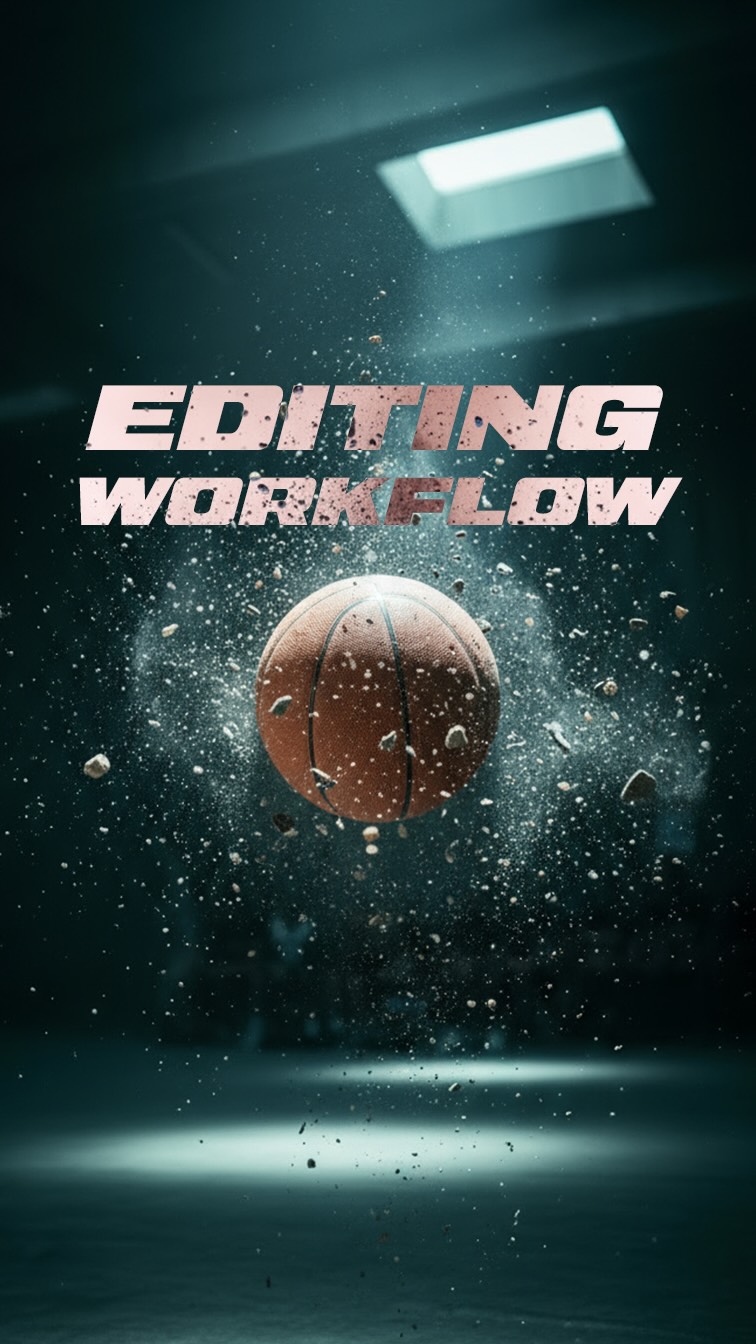
Editing Workflow 🏀 First, I looked up the clothes and shoes I wanted to wear in the shots, then uploaded those along with an image of myself into Nano Banana. I described the mood and look I was aiming for in the prompt — and after just a couple of tries, it actually worked. It’s crazy that this is even real — we’re now editing photos like this in seconds. 🎥 And here’s where the real magic happens: not a lot of people talk about this, but you can take your generated image (or any image, even real footage), feed it into Nano Banana, and prompt a different angle or perspective. Nano Banana will then generate the image with the same lighting, character, and product consistency. That’s absolutely mind-blowing — and it opens the door to creating videos with consistent characters, environments, and lighting. This makes producing AI videos so much more efficient and faster!🔥 On top of that, @higgsfield.ai has such incredible camera control and VFX tools that make bringing these images to life super easy. This combo makes creating AI videos way more efficient and a lot faster!⚡️ What are your thoughts? Super excited to hear what you think!🚀 Sound Design: @sebastianvaskio #higgsfield #basketball #ai #nanobanana #filmmakerslife #filmmakersworld #editing
retainThe smooth transition from interactive spatial floating menus to high-energy truck driving clips holds attention.
Surprising spatial visuals. Interactive windows slide in space before revealing beach driving.
Action over explanation. The edit shows fast driving shots without talking.
Natural camera motion. Dynamic camera angles make the truck look powerful.
Shot timing changes. The video has 3 shots in 16.9 seconds with a new shot every 5.6 seconds.
Luxury truck props. The video does not work without the black Brabus truck and the spatial headset.
Simple visual path. The viewer follows a clear step from accepting a file to seeing the video edit.
Right clip length. The 16.9 second runtime feels fast and keeps energy high.
rewardViewers feel excited by the cool visuals and motivated to make creative video edits.
Hyped and energized. The heavy beat and aggressive driving make you feel excited.
Inspired to create. Video editors feel motivated to try new editing tricks.
Desire for luxury. The black Brabus truck in Ko Samui Thailand makes you want to travel and drive a cool car.
keanu tyllevideo editingfuturistic technologyluxury truckspatial computerbrabus g wagonko samui thailandbeach drivingair dropvisual effectsediting inspirationcool car edit
Rate this car & edit 1-10! 🔥 I saved this incredible masterpiece of music by @hanumankind @whatsabijoy @kingkalmi for a special edit, and I think it matches insanely well! 🎧 Special thanks to @davee.visuals for sharing these stunning shots! He had the incredible opportunity to film a @brabus on the beaches of Ko Samui, Thailand, and absolutely nailed it.🎥 This edit took a bit of time since it’s the first time I’ve worked with car shots I didn’t film myself. Dave has been a student at @creators.club_official for a few months now, and I’m blown away by the quality of his work! Definitely check him out!🚀 #brabus #mercedesbenz #brabus900 #hankook #hankookreifen #filmmakersworld #editing #brabusgclass #carporn #editingskills #keanuvisuals
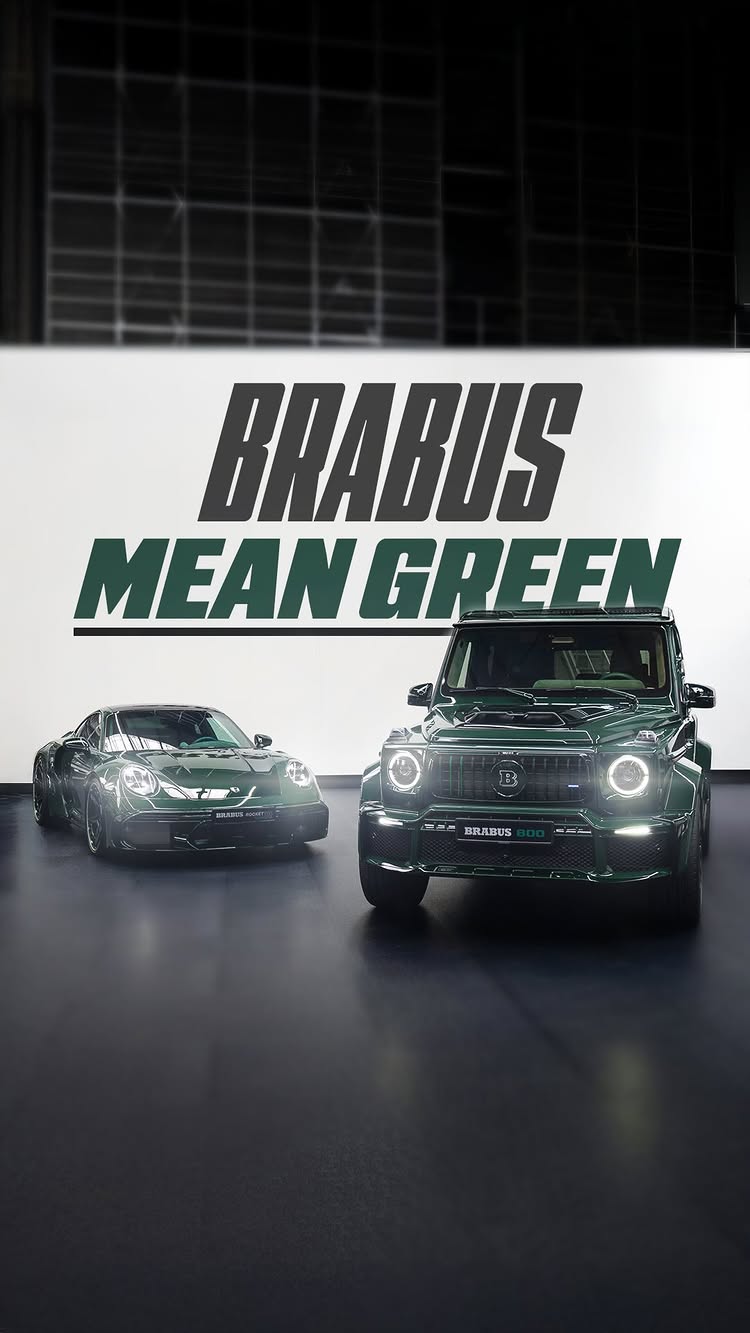
Which one would you pick? 👌🏽 I got invited to the BRABUS factory and was left alone for a couple of minutes—it was such a pleasure to film the mean green BRABUS cars. The whole experience, seeing how these masterpieces are built and meeting the team, was super fun! I spent a good amount of time creating a video that truly represents the power of these incredible cars. Let me know what you think! Color Grading: @claudiu_dop Sound Design: @sebastianvaskio #BRABUS #MEANGREEN #RocketR #BRABUS800 #Masterpiece #Luxury #Performance #keanuvisuals #editingskills #caredit #filmmakersworld
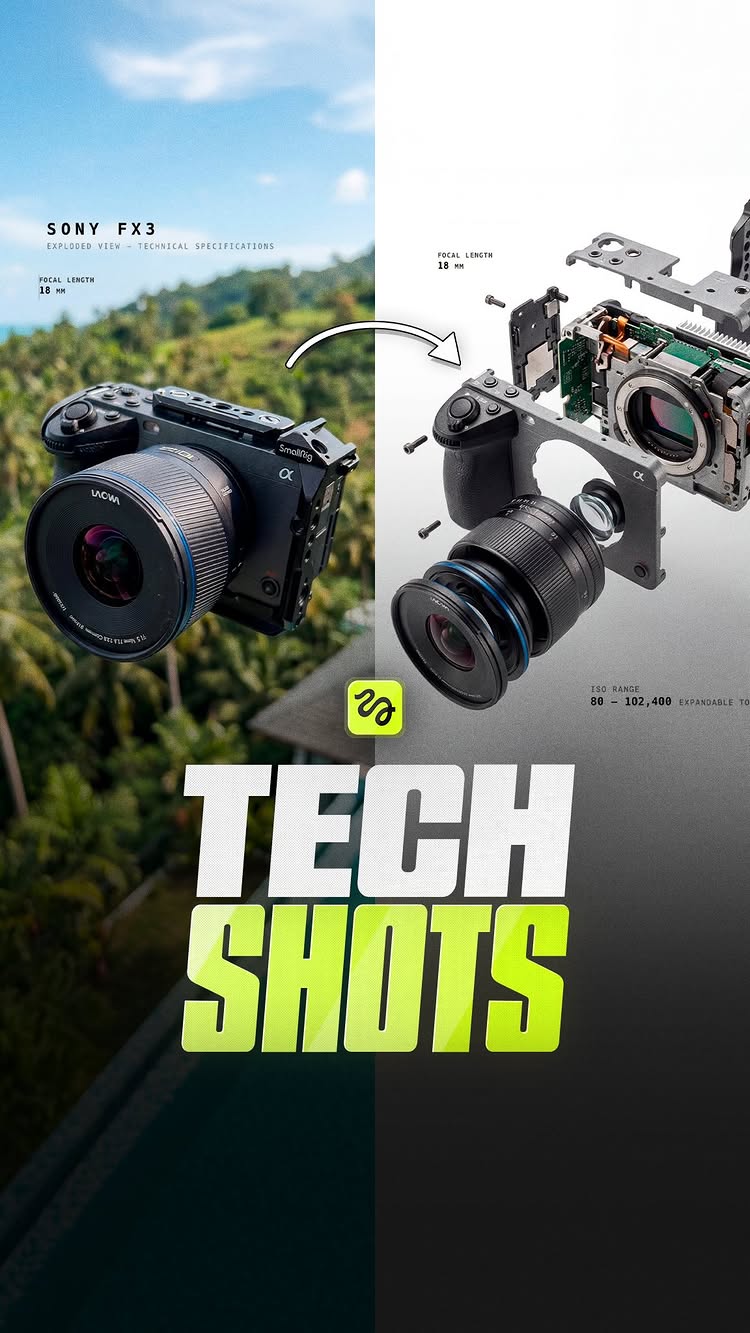
No way this worked out 🔥 I challenged myself to pick 3 random tech objects I found at home and turn them into interesting shots - this time I wanted to make them float in the air and then explore how they would look deconstructed, smoothly transitioning from a floating shot into a clean technical environment using the new Cinema Studio 2 by @higgsfield.ai ⚡️ What can I say, it took some time because I really tried to make it look as technical and smooth as possible, but I think these turned out really well - keeping in mind the full edit is based on 3 images I took on my phone. Let me know in the comments if you want the BTS and tutorial 👀 Et voilà!🫡 #aitools #aivideo #smoothtransition #creativetransition #higgsfieldpartner
That was 2025. 🔥 I was thinking about how to do a recap of this year 2025, and the idea that stuck with me was blending my favorite clips together seamlessly - so it feels like one continuous one-shot, even though it’s made up of different projects.⚡️ Would love to hear your thoughts! Special thanks to my entire team and all the amazing creators I could rely on throughout every project in 2025. You truly killed it. Without you, this incredible year wouldn’t have been possible or the same. I can’t wait to crush it with you in 2026 - let’s gooooo! 🚀 Some of the amazing people behind the scenes: DOP/Camera/Color Grading: @claudiu_dop Best Boy: @leander_ed 3D / CGI: @michal.rech Sound Design: @sebastianvaskio Editing: @adrimotions @russodev Management: @rakugomedia Footage Provider: @davee.visuals … and so many more talented people! Thank you so much ❤️ #2025 #recap #filmmakersworld #filmmakerslife #aftereffects
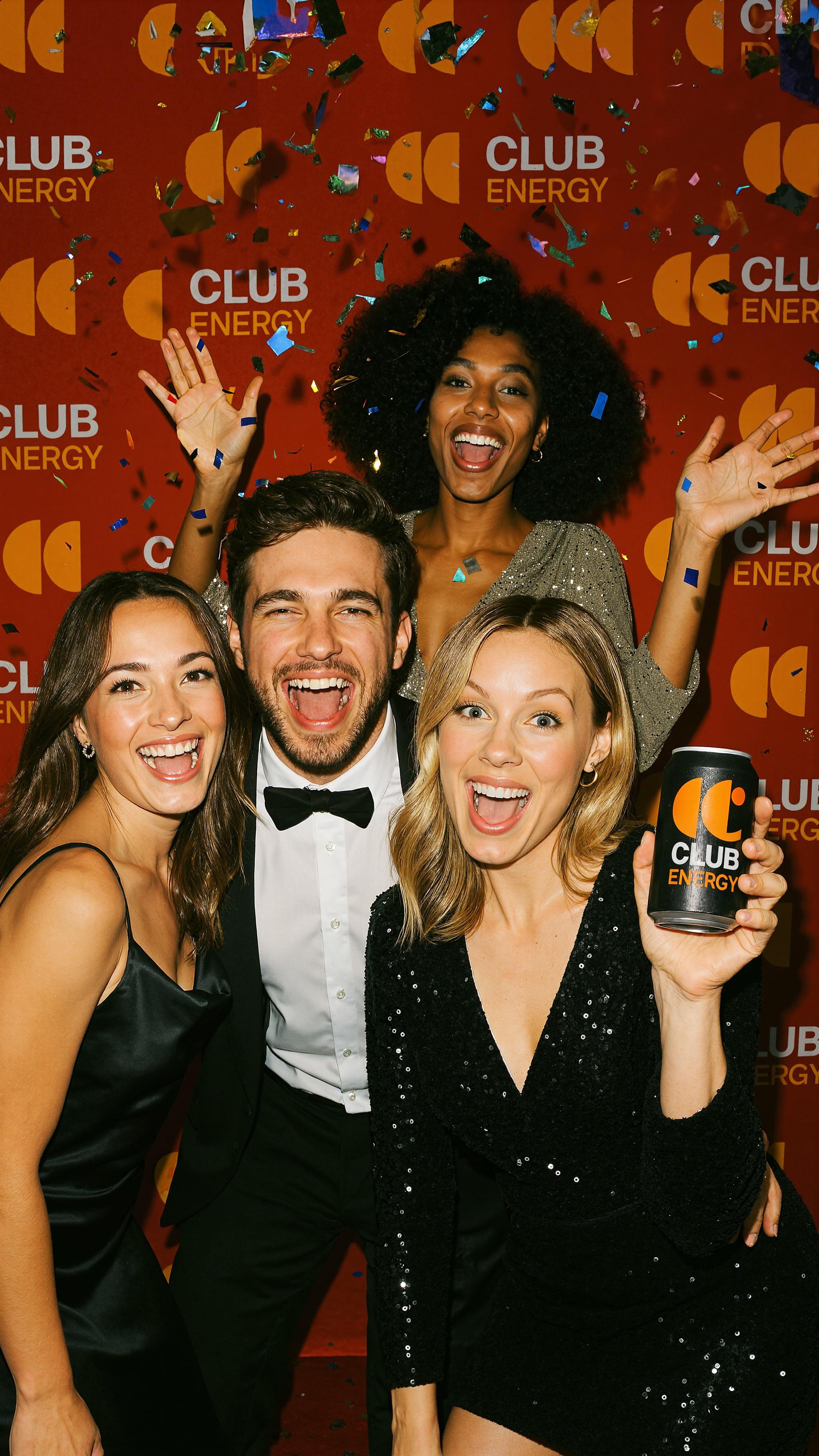
AI-Generated Party! 🤯 Lately I’ve been on a mission: figuring out how we can actually use today’s AI tools in a real way — to make life easier for us editors & creators, and to push our craziest ideas into reality.🔥 So I gave myself a challenge: create a full product launch from scratch. The product? An energy drink for creators. I built the branding with ChatGPT (shoutout to our Creators Club), then brought it to life with @higgsfield.ai. The camera moves this tool can generate are next-level, and even the VFX came straight out of Higgsfield. I’ve genuinely never seen AI camera control this good.🎥 Every single shot was generated in under 48 hours. After that, it was down to proper editing in After Effects — cutting, syncing, and polishing to music. But here’s the crazy part: the drink doesn’t even exist, yet we now have 20+ high-quality images, multiple videos, and a full-on ad in just a few days. This changes the game for pitching products, visualizing ideas, or simply creating concepts that feel real.🚀 But let’s be honest — none of this works without editing knowledge. You still need to know what makes a strong shot, how to piece it together, and how to tell a story. That’s where the magic happens: creative skills + AI tools = 🔥. And yep — I’m breaking this whole workflow down in an in-depth Creators Club tutorial. Already working on it. Now I’m curious — what product or event should we generate next? Drop your ideas 👇 #higgsfield #filmmakersworld #ai #editing #party #editingskills #aftereffects #higgsfield #visualeffects #filmmakerslife #adobe
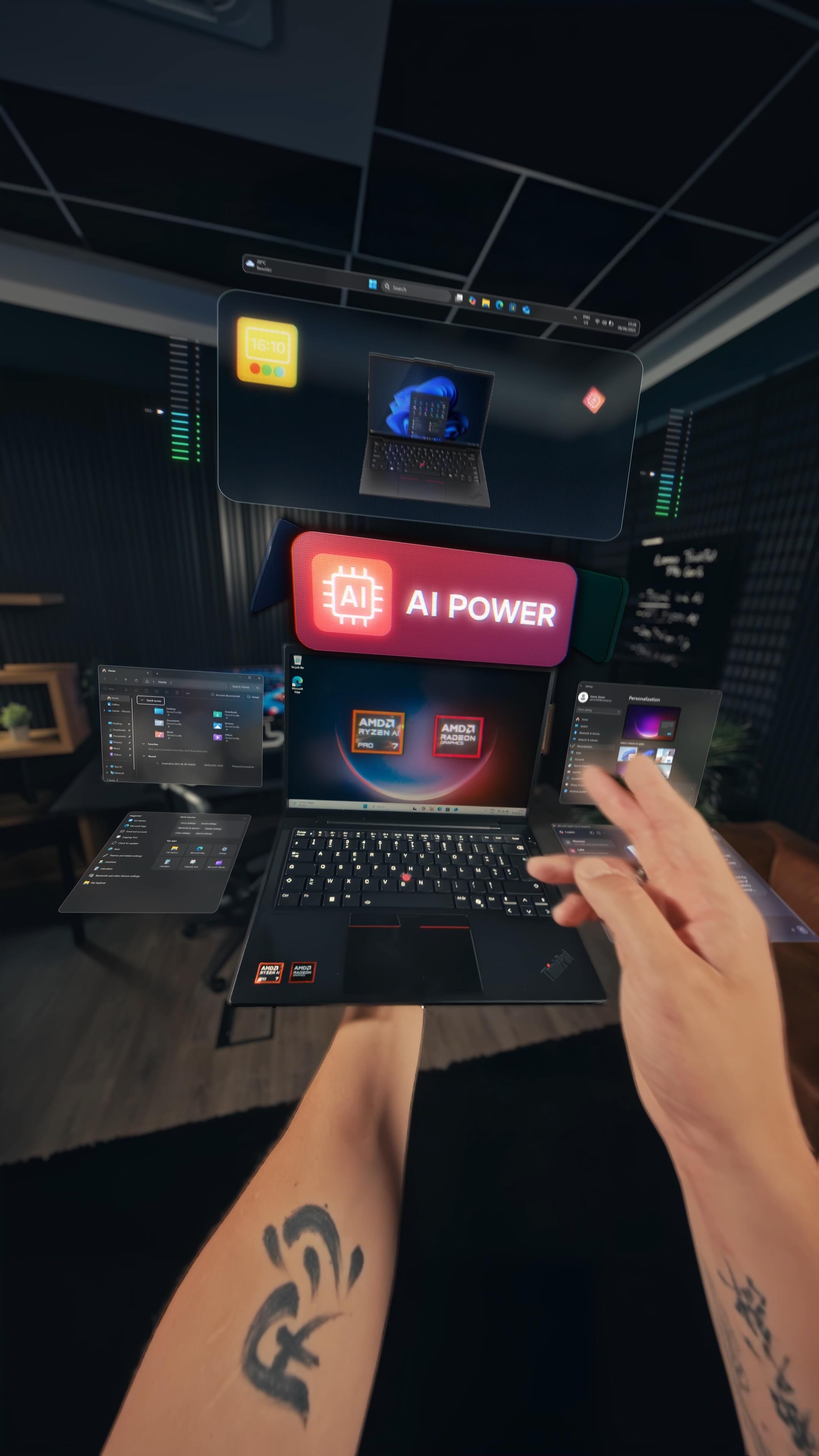
The AI Laptop Drop 💻 I was honestly impressed by how small, light, yet powerful the Lenovo ThinkPad is — fits right in my backpack. Especially the on-screen touchpad combined with AI features really stood out to me! The 16:10 display is super nice to work with, and having 100% sRGB is just a big plus for creators. Overall, this little workhorse packs serious power. For this project, our vision was to showcase the ThinkPad in a futuristic, eye-catching way — highlighting all its powerful features with a modern and engaging twist. I’m super happy with how it turned out. 🔥 CGI: @michal.rech Voiceover & SFX: @sebastianvaskio #lenovo #amd #thinkpad #ai #ailaptop #visualeffects #filmmakersworld #augmentedreality
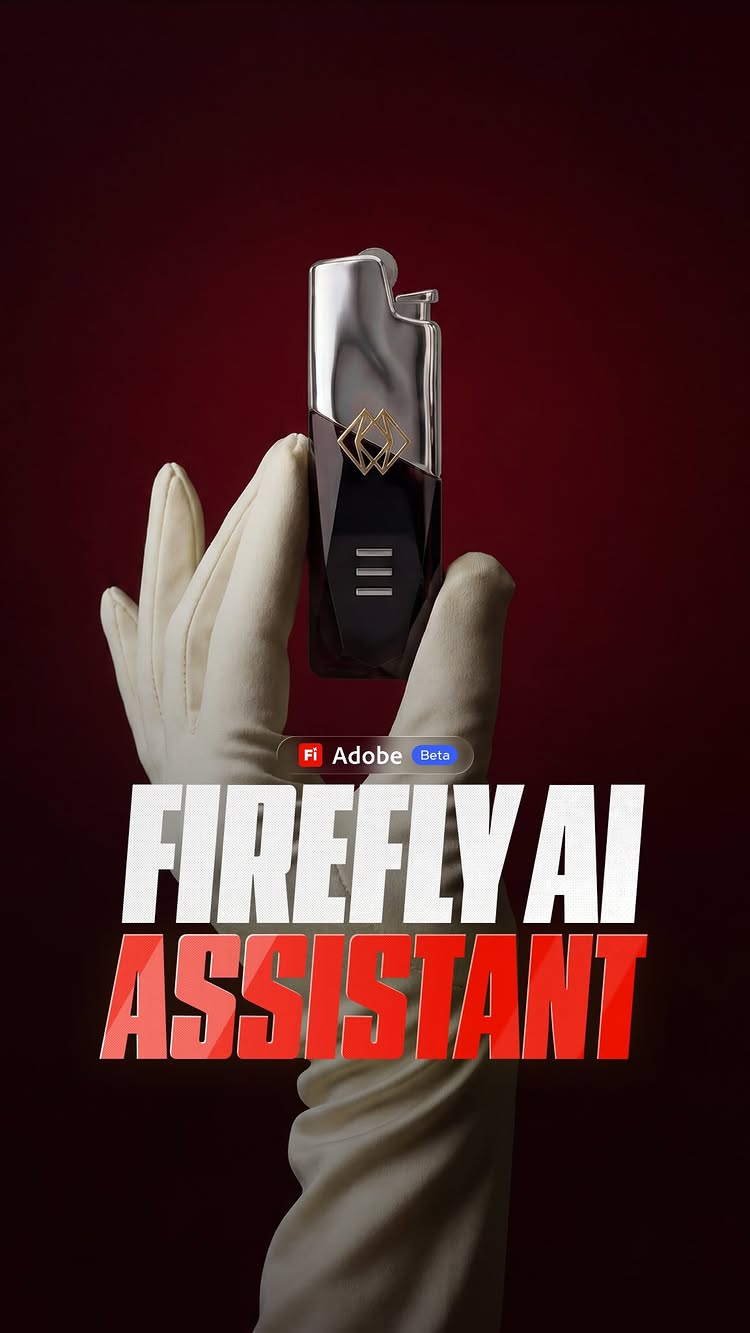
$1 Lighter ➡️ Luxury Brand Could I turn a $1 lighter into a luxury brand in just one night? 🔥 I gave myself one rule: build the whole thing - name, logo, the product look, lifestyle shots, the website, the promo film - start to finish as fast as possible. So I shot the lighter on my phone, dropped it into Adobe Firefly AI Assistant Beta, and described the exact brand I wanted, step by step. The crazy part is I can literally now explain everything I have in mind in a chat and it’s directly working with me on the brand elements like the logo, the wordmark, the product of course, and all the assets that come with it. I pushed the logo until it actually felt premium, designed the lighter, brought the product and lifestyle shots to life, built the site and graphics, then took it all into After Effects for the final promo. Selling a feeling, not a lighter.🚀 I love visuals, and being able to visualize anything I have in mind now, anytime, anywhere in the world is really exciting, because I can keep growing as a creative director, combine all the skills I’ve etched into myself over the years, and create more impactful visuals.⚡️ Et voila!🫡 Comment EPIC and I’ll send you the exact workflow - so you can create premium brand assets for your own brand.🔥 #BrandDesign #AdobePartner #videoediting #branding #madewithfirefly