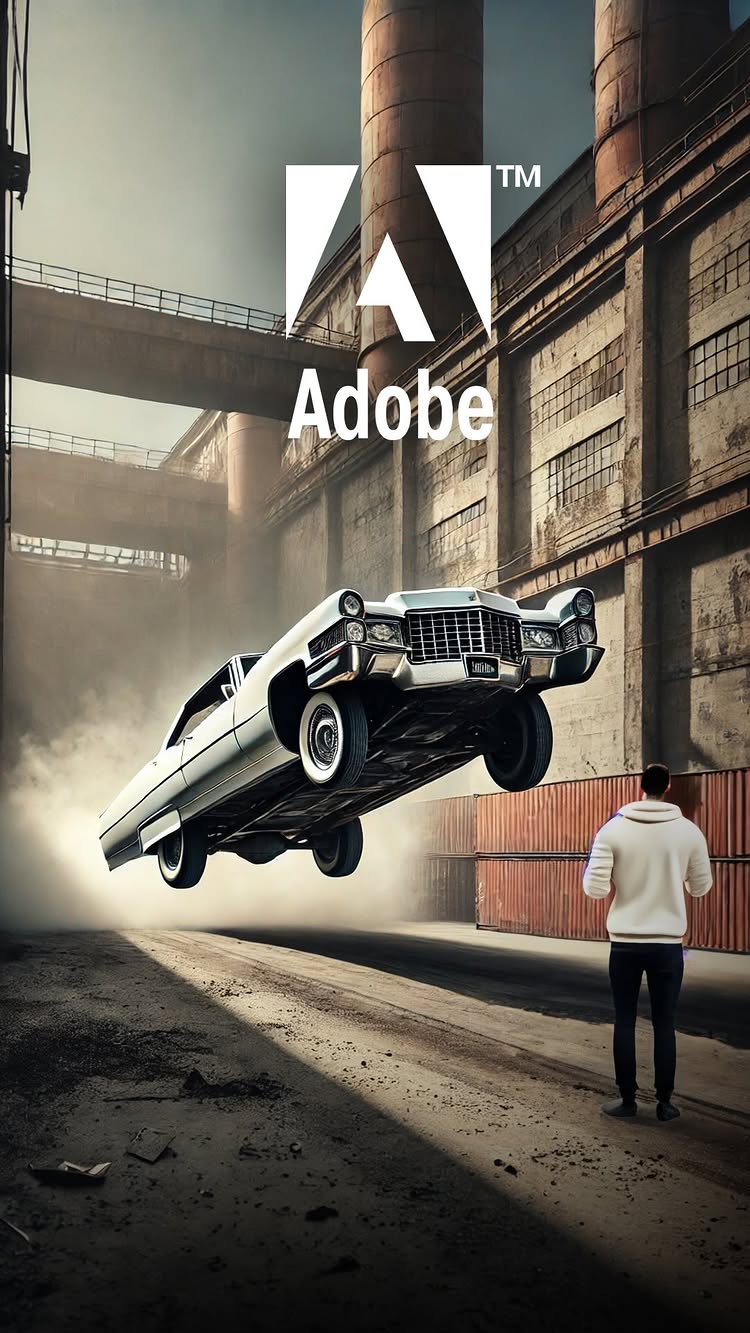
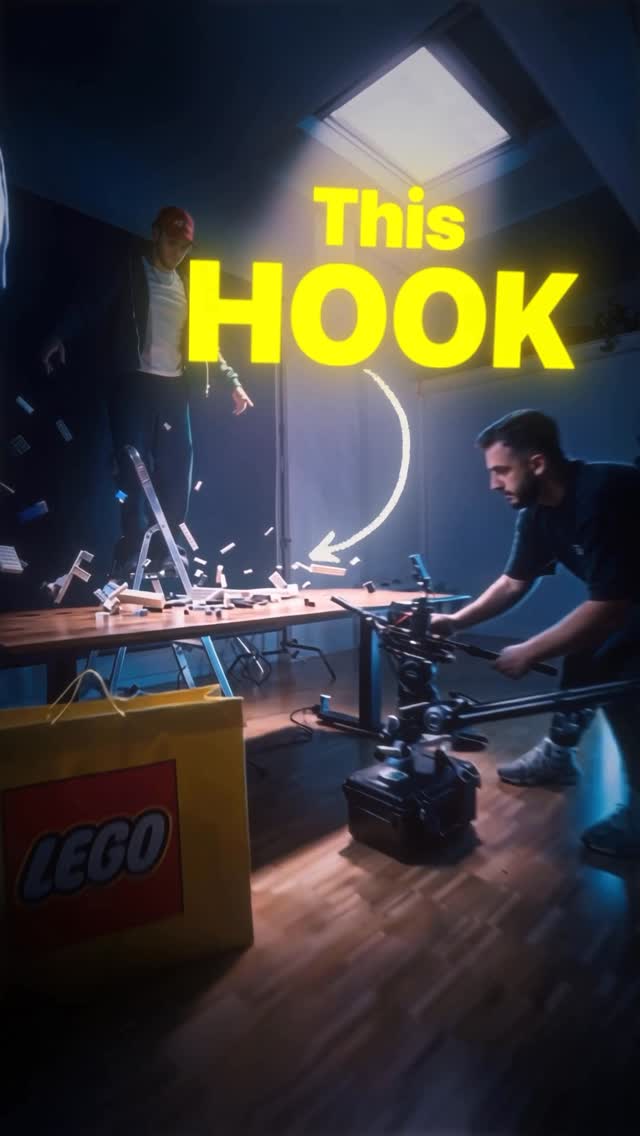
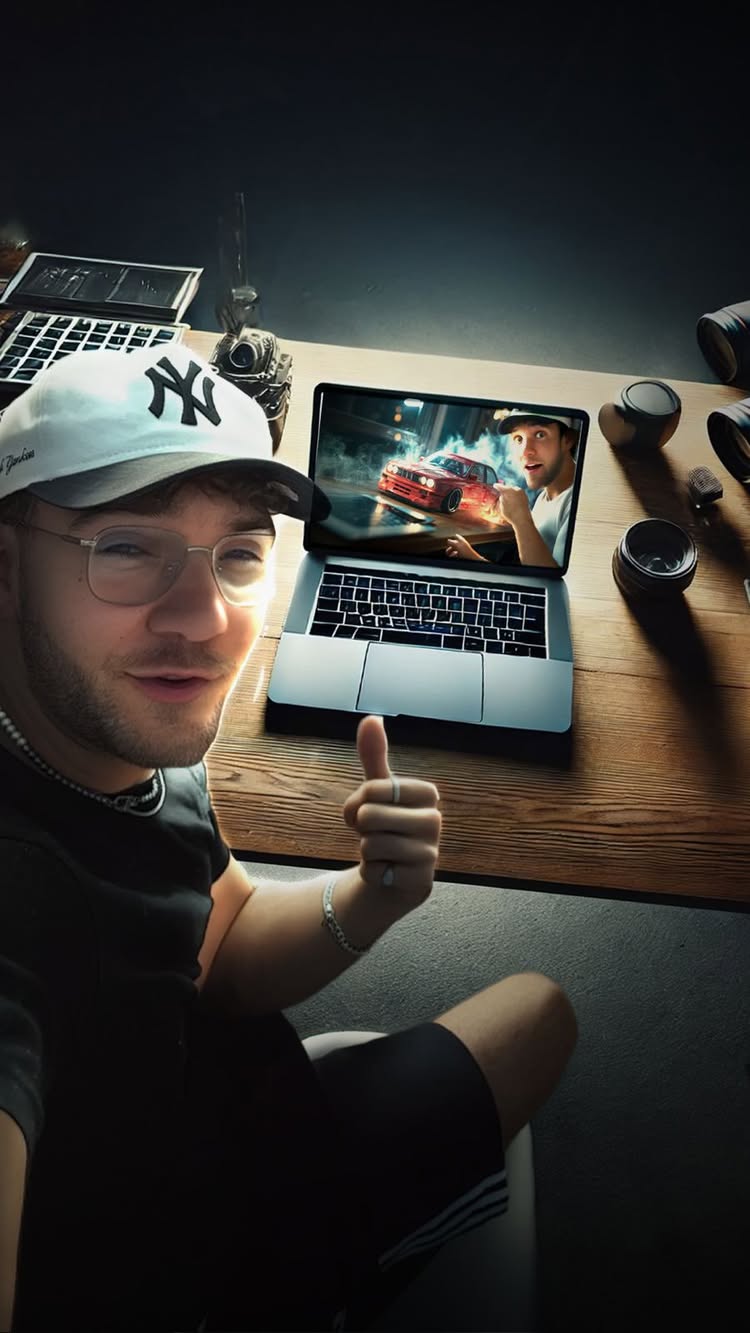
Lenny Bartholomäus shows how to make a realistic flying car effect in ten minutes using simple software tools.
878Kviews
48Klikes
3Kcomments
883shares
30Ksaves
477Kfollowers
42slong
5.5%liked
hookA creator throws a floating car into the air on a neighborhood street, immediately catching attention.
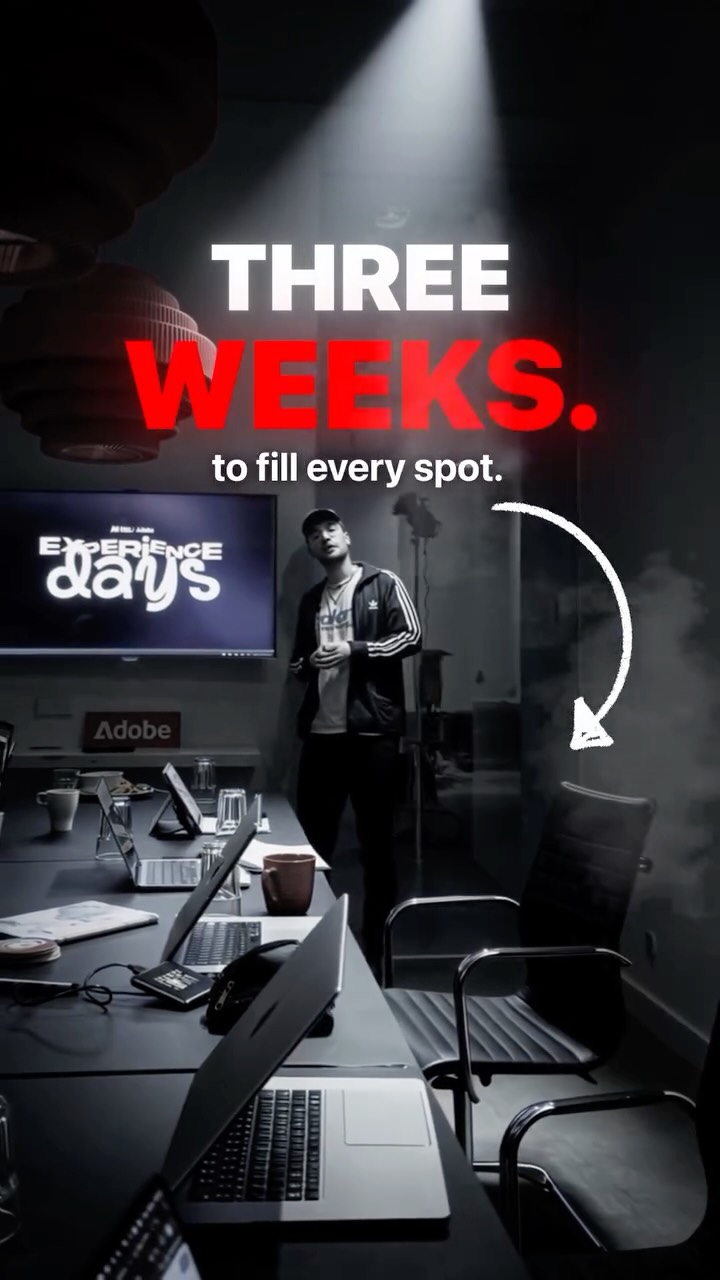
Young man. A young creator wearing a sweater and black pants walks outdoors while holding a microphone.
City alley. The clip opens on a paved alley between brick buildings under bright daylight.
Upbeat music. Energetic background music plays while the creator speaks straight to the camera.
Bold text. Big colorful text highlights a fast video editing challenge.
Broad topic. Video editing and visual tricks appeal to millions of short video fans.
retainViewers stay to learn the exact steps for adding floating objects into real footage.
Clear tutorial. The visual effect is broken down into easy steps with screen recordings.
Show and tell. The creator shows the exact menu options and buttons to click on his laptop screen.
Confident delivery. The host talks clearly and stays enthusiastic throughout the lesson.
Pacing and cuts. The video has 13 shots in 42.4 seconds, switching views every few seconds.
Helpful props. A laptop screen and visual menus show the editing tools in real time.
Simple storyline. The clip goes from a wild preview to a clear tutorial to a finished trick.
Right duration. The video is long enough to explain the steps without wasting time.
rewardViewers learn practical video editing steps and feel ready to make their own special effects.
Taught a trick. Viewers learn how to place 3D objects and realistic shadows into real video.
Feeling capable. Breaking a hard trick into simple steps makes visual editing feel easy.
Inspired to create. Watching a quick demonstration encourages creators to try new design tools.
lenny bartholomäusvideo editingafter effects tutorialvisual effects3d car animationmotion graphicsgraphic design tipsspecial effects tutorialvideo creator tipslearning video editing
I created this within 10 minutes... ..all inside of After Effects. 🚀 @adobelive challenged me to try out their new 3D features inside of AfterEffects. It’s crazy how fast & intuitive this workflow is with the new updates. We asked for it, Adobe delivered! Try out the features for yourself now! #CommunityxAdobe #ad
@lenny_motion Paul Wehden / TimeLapseWorlds · 5 Mar 2025
13.7x outlier
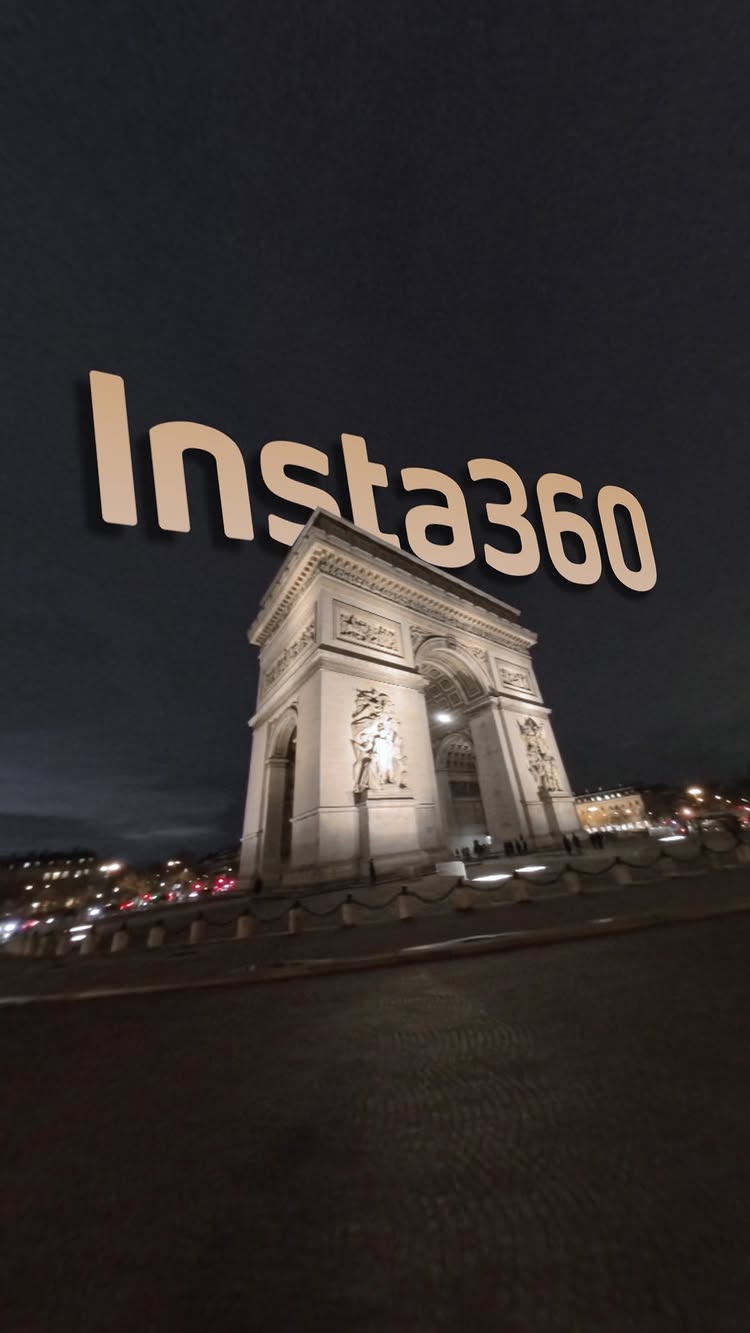
A creator showcases wild spinning camera edits and 3D effects around famous landmarks in Paris.
794Kviews
48Klikes
792comments
824shares
6.6Ksaves
477Kfollowers
30slong
6.0%liked
hookThe creator grabs attention by holding up a tiny souvenir and instantly launching into dizzying camera tricks.
Creator appearance. A man in a casual black shirt and baseball cap speaks right to the camera.
Paris street. He stands on a city street in front of tall, grand apartment buildings.
Upbeat music. Fast electronic music begins playing as soon as the video starts.
On screen text. Large white text appears saying Let me show you something cool with a white arrow.
Broad topic. Cool camera tricks and famous landmarks appeal to almost anyone scrolling by.
retainViewers stay to watch how Paris monuments twist, flip, and zoom through mind-bending lens effects.
Visual tricks. The video shows wild spinning edits instead of explaining them.
Steady pacing. There are 10 shots in 30.2 seconds, with a new shot about every 3.0 seconds.
Famous landmarks. The clip features the Eiffel Tower, the Louvre pyramid, and the Arc de Triomphe in fun ways.
Key props. A tiny Eiffel Tower souvenir and a 360 camera power the whole video concept.
Simple structure. Fast visual transitions keep the video easy to follow from start to finish.
rewardViewers leave feeling amazed by the editing and inspired to try creative video tricks.
Visual excitement. Viewers feel thrilled by the smooth, dizzying camera movements.
Travel feeling. Seeing famous French monuments gives viewers a fun feeling of traveling.
Creative ideas. Video creators get inspired to use a 360 camera for unique camera moves.
paul wehdentimelapseworldsparistraveleiffel towerlouvrecamera tricks360 cameravideo editinghyperlapsefrancelandmarkphotographytransitionscool editsspinning effect
Let me show you something cool 😵💫 We created this crazy edit of Paris for @insta360 using their amazing X4 360 camera! 360 hyperlapses shot and edited by @timelapseworlds 3D animations created by @lenny_motion
@lenny_motion Paul Wehden / TimeLapseWorlds · 23 Jan 2025
13.3x outlier
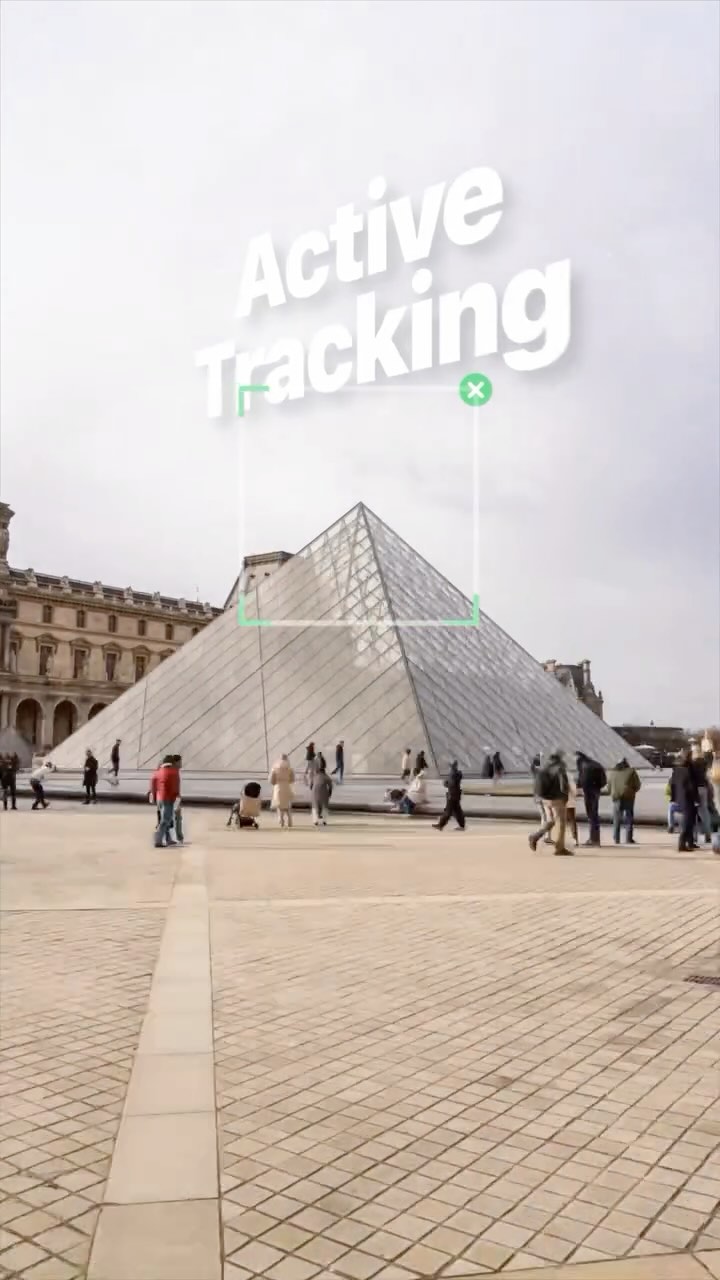
A camera stabilizer floats around Paris while showing off its tracking features.
769Kviews
18Klikes
216comments
358shares
2.5Ksaves
477Kfollowers
20slong
2.3%liked
hookThe wild spinning camera transition next to the Eiffel Tower grabs your attention right away.
Surprising opening. A computer generated gimbal builds itself in midair next to the river.
Bright city view. Sky, grey water, and famous buildings set a cool tone.
Upbeat music. Fast electronic drum beats play over the clip.
Big visual trick. The entire screen spins fast before settling on a phone screen.
Broad interest. Anyone who likes travel or cool camera tricks will stop to watch.
retainThe video keeps you watching by showing fast camera tricks in famous places.
Visual tricks. Giant floating tech gear mixes with real streets in a fun way.
Show not tell. Green tracking boxes show how the tech follows subjects on screen.
Steady pacing. There are 6 shots in 20.0 seconds, changing scenes roughly every three seconds.
Key device. The phone stabilizer is central to every shot in the video.
Simple progression. The clip moves smoothly from landmark to landmark across the city.
Right length. The twenty second runtime keeps the showcase quick and exciting.
rewardYou feel excited to try cool camera moves on your next trip.
Visual thrill. The smooth spinning camera motion feels fun to watch.
Travel feeling. Seeing famous places in Paris makes you want to visit.
Tech interest. You learn how smart camera tracking keeps videos smooth.
Creative spark. You want to try making hyperlapse clips with your own phone.
paul wehdentimelapseworldseiffel towerparis francephone gimbalcamera stabilizerhyperlapseactive trackingvisual effectstravel videocamera tricksphone filmmakingcity tour
Had a blast in Paris shooting for the new @insta360 flow 2 pro phone gimbal! With it’s active ai tracking feature and the active zoom tracking feature you will now be able to shoot super clean and steady hyperlapses with nothing but your phone and this little gimbal. Shot and edited by Lenny and me 👌🏻
Not the chef.. My first live event was a huge success and I created the trailer from from Airbnb photos with @openart.ai Seedance 2.0. This tool is honestly incredible! #openartpartner