What Claude Cowork actually does on LinkedIn
Cowork opens its own browser, finds the people you described, reads their profiles and writes each message itself. You approve and send.
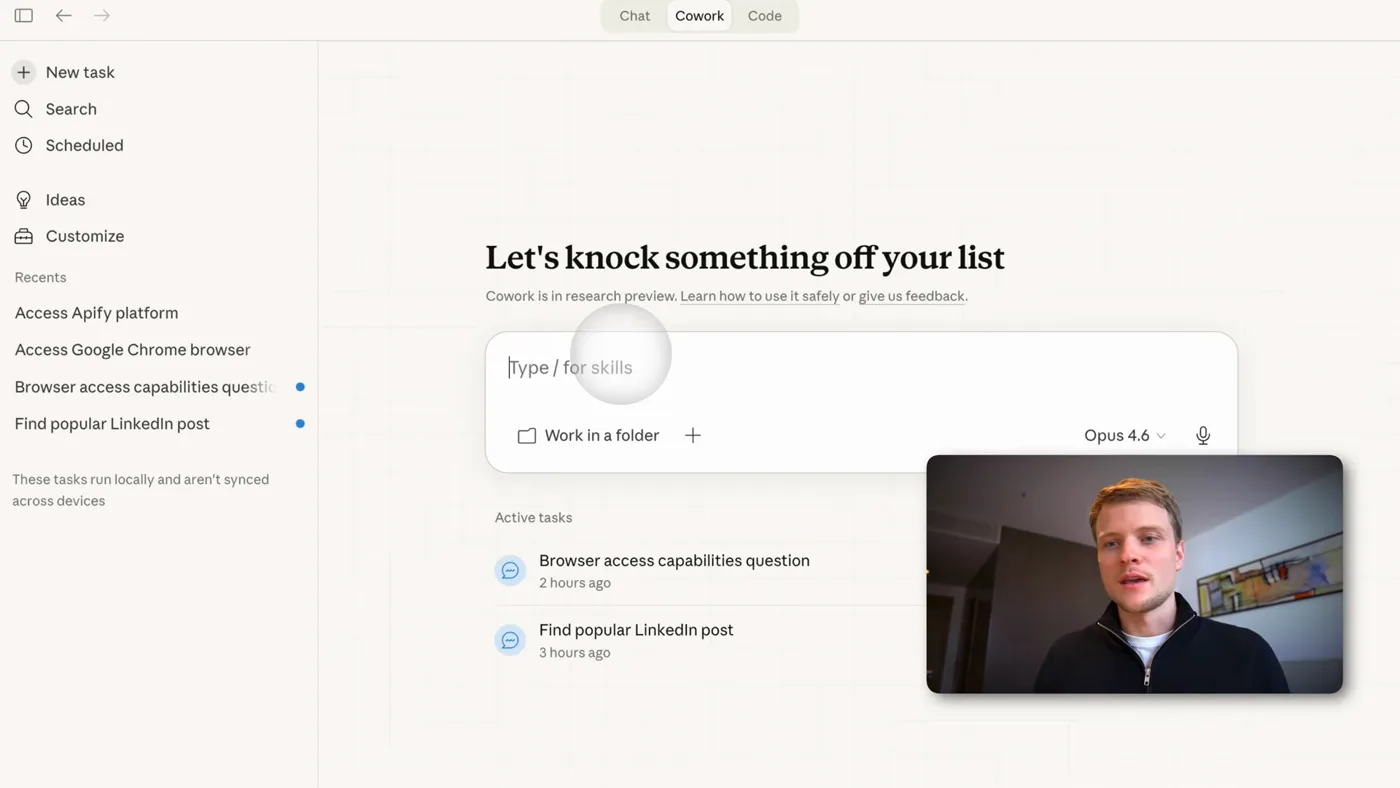
Claude Cowork is Anthropic's desktop app, and the difference between it and a normal chat is that it has your computer. It takes a screenshot of the screen, works out where to click, and clicks. So "do my LinkedIn outreach" is not a metaphor. It opens the profile.
The loop it runs for one prospect is the same loop you would run by hand, and it looks like this:
- Open the profile and read the headline and about section
- Scroll to their activity and read the last ten posts, noting what each one is about
- Write a message that refers to something specific they said
- Press add a note on the connection request, paste the message, send
It is slow, maybe a minute or two a profile, because every step is look then act. That stops mattering the moment you stop watching it. The whole reason to build this is that the research is the expensive part and the research is what you hand over.
What it costs to run
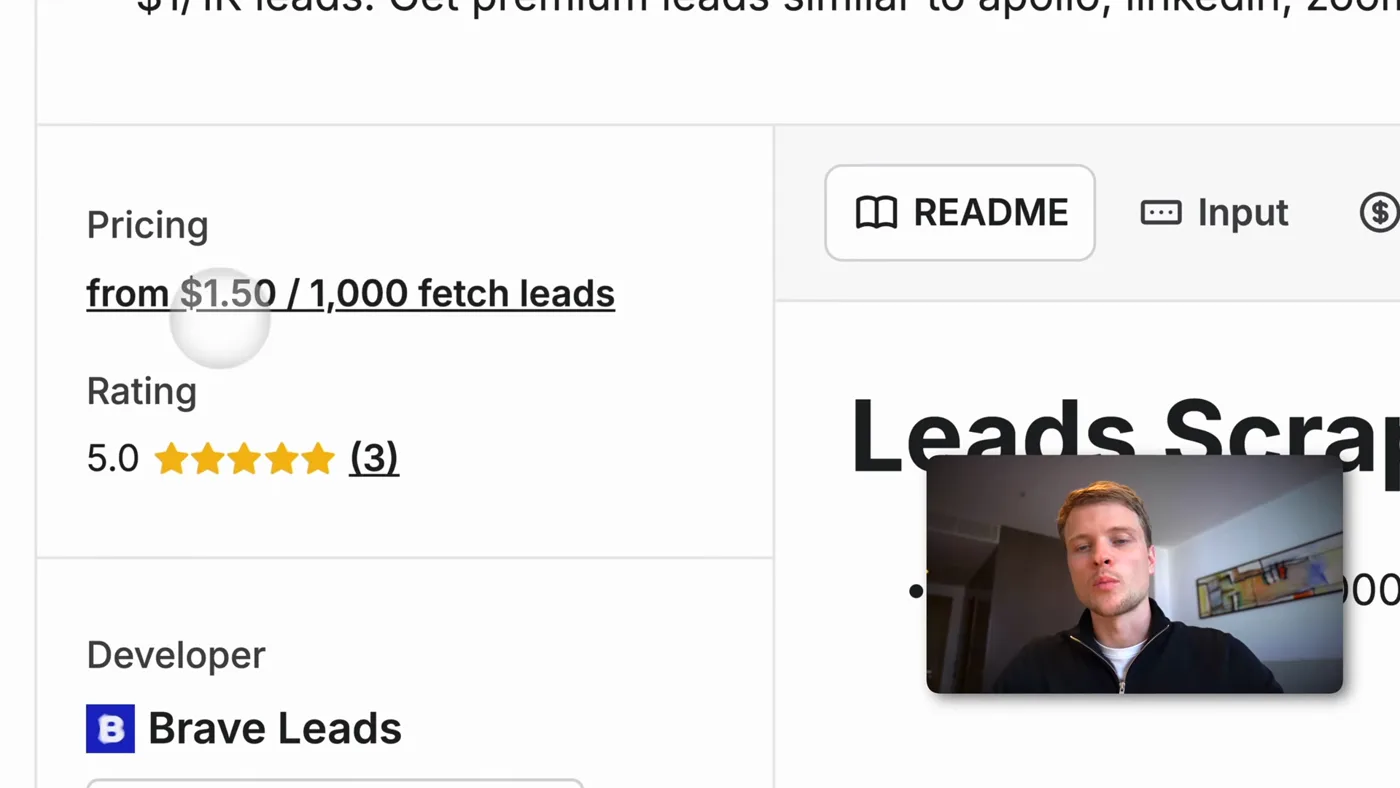
- Claude plan
- Pro, $20 a month. Max also works. The free plan does not.
- Leads
- About $1.50 per 1,000 on an apollo scraper on Apify
- Apify free tier
- $5 of credit a month, so roughly 3,000 leads free
- Browser
- None to install. Cowork opens one in its own side panel, separate from your tabs
- Setup time
- About 15 minutes, no code
- Realistic monthly bill
- $20, because the free Apify credit covers more leads than LinkedIn will let you contact
Checked against Apify's pricing and Anthropic's plans on 2026-08-27.
One correction from the video
I said 5,000 free leads a month on camera and corrected it in the same video. The real number is about 3,000. It makes no practical difference, because either figure is far more people than LinkedIn will let you send connection requests to.
Where the leads come from
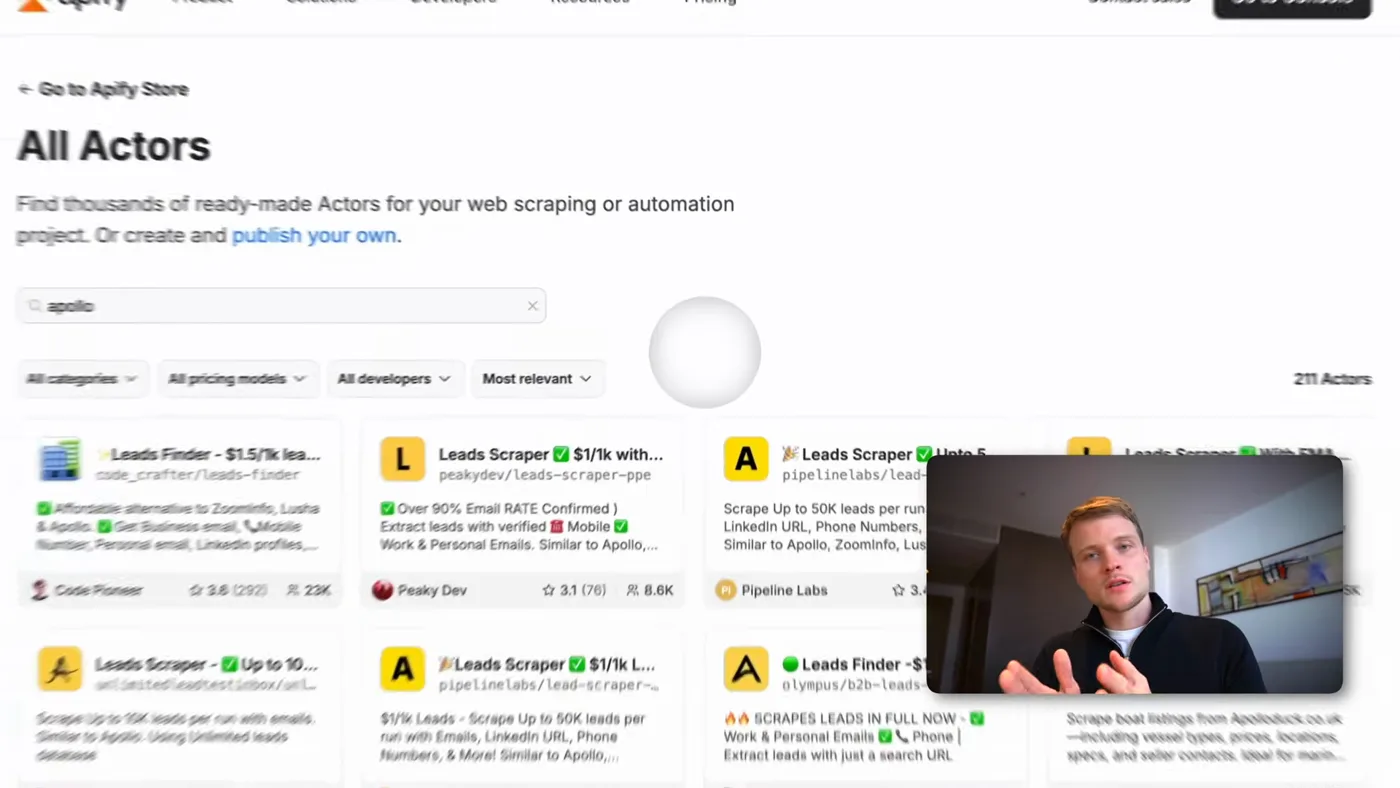
Apify is a marketplace of scrapers. you pick one, give it parameters, and it hands back rows. for B2B the useful one is an apollo scraper, which pulls people out of linkedin by role, industry and location.
A run returns, for each person:
- Name and job title
- The LinkedIn profile URL, which is the field that matters
- An email, on some of them
- Company, location, and a description of the organization
It is not only for LinkedIn. The same marketplace has scrapers for Instagram followers of a given account, and for local businesses off Google maps. If your buyers are not on LinkedIn, the rest of the system still works, you just change the source.
Once the Apify connector is installed in cowork, you do not export anything. You ask for the leads in the chat and it runs the scraper, reads the rows, and can build a spreadsheet out of them before it starts writing.
The full walkthrough
Fifteen minutes, and none of it is code. If you only read one part of this page, read step five.
1Install cowork and give it a browser
Claude Cowork is Anthropic's desktop app. It is not a chat window that gives you advice, it is Claude with hands on your own computer. It takes a screenshot of what is on screen, decides where to click, and clicks.
Download it from claude.com/download and sign in. You need a paid Claude plan for this, Pro at $20 a month or Max. The free claude.ai plan does not include cowork, so it will install perfectly and then refuse to let you in.
It also needs a browser to reach LinkedIn, and this is the one thing that has changed since I filmed the video. Cowork now ships with A browser built into its own side panel: nothing to install, separate from your tabs and your logins. You sign in to LinkedIn once per session, or import your cookies so it stays signed in.
The older path, the Claude for chrome extension driving your own chrome window, is what you will see me use in the video and it still works. If you are setting this up now, use the built-in browser: it is fewer moving parts and it does not take over the window you are working in.
2Connect Apify so it can find its own leads
Apify is a marketplace of scrapers. You point one at a source and it gives you back structured rows. For B2B the one worth using is an apollo scraper, which pulls founders, CEOs and job titles out of linkedin along with emails where they exist.
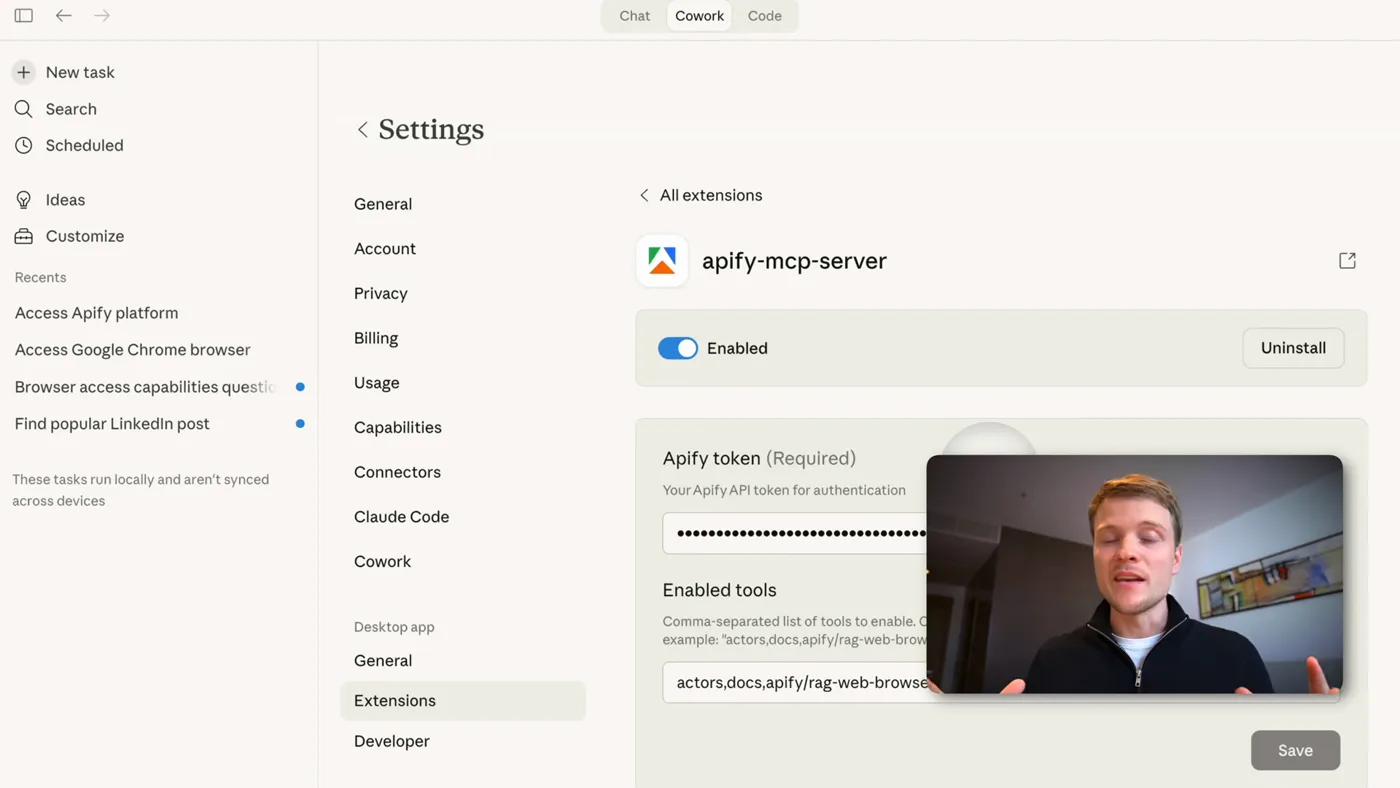
Make an account, open settings, integrations, and copy your API token. Then connect it inside cowork:
settings -> connectors -> browse connectors
search "apify" -> apify mcp server
install -> enable -> configure
paste your api token -> save
This is the step that changes the shape of the whole thing. Without it, you export a spreadsheet and feed it in by hand. With it, you can say "find me 100 marketing agency founders in europe" and cowork runs the scraper itself, gets the rows back, and starts working through them.
3Tell it your offer before you tell it anything else
The quality of every message it writes is decided here, not in the send step. It needs to know what you sell, who it is for, and what a good first message looks like coming from you.
Be specific about the value you lead with. Not "let's connect", which is what everyone else sends. Something the person would want even if they never reply: a note on a post they wrote, a gap you noticed, a version of their banner that is better than the one they have.
4Watch it do one profile end to end
Before you point it at a list, give it one LinkedIn URL and watch. Ask it to study the profile and the last ten posts, write a personalized message, and send a connection request with that message attached.
What you will see: it opens the profile, reads the top of the page, scrolls to the activity feed, reads each post and writes down what it learned, then drafts. Then it presses add a note, pastes the message, and sends.
It is not fast. It is doing screenshot, decide, click, screenshot again. That is the point. You are not sitting there watching it, you are doing other work while it runs.
5Put a human checkpoint in before you scale it
The version that works is not "send 100 connections". It is: research all 100, write all 100 messages into a table, and stop. You read the table. You kill the bad ones. Then you tell it to send.
This costs you ten minutes and it is the difference between a system you can leave running and a system that quietly damages your name in your own market.
6Run more than one at a time
When a single run is working, ask cowork to spin up sub agents so several profiles are being researched at once instead of one after another. This is where the hour of work you saved turns into a day of it.
The prompt I use
This is the shape, not a magic string. The parts in capitals are the parts you have to replace, and they are the parts that decide whether it works.
i sell WHAT YOU SELL to WHO YOU SELL TO.
the thing that makes us different is ONE SENTENCE.

for each linkedin profile i give you:
1. read the profile and the last 10 posts
2. write down what this person is actually working on right now
3. write a connection note under 300 characters that
   refers to something specific from their posts
4. make the compliment slightly awkward rather than polished,
   the polished version reads as generated
5. put the message in a table, do not send yet

when the table is done, stop and show it to me.
The last two lines are the ones people delete and then regret. See below.
Why the messages get replies
The reason is not that an AI wrote them. It is that almost nobody reads ten posts before sending a connection request, and the message shows it.
The deliberate part is the slightly awkward compliment. Everyone's inbox is now full of perfectly balanced, perfectly polite, perfectly generic messages, and that polish has become the tell. Asking for something a little uneven produces something that reads like a person typed it, because a person would have.
The other half is the checkpoint. A message that goes out without you reading it is a message you cannot stand behind, and in a small market you only get to do that once.
What it does badly
- It is slow per profile. A minute or two each, because it is screenshotting and deciding. Fine in the background, painful if you sit and watch.
- It works one page at a time. The built-in browser is a single surface, so a run is a queue, not a swarm, unless you explicitly split it across sub agents.
- It will happily send something bad. If you skip the table step it has no way of knowing the message missed.
- Automating LinkedIn is against LinkedIn's terms, and using Claude to get around another platform's terms is against Anthropic's usage policy too. There is no published safe daily number and every figure you find online is somebody guessing. The version I would actually recommend is to automate the research and the drafting, which is where the hours go, and press send yourself.
If you want the same research-then-draft loop without the browser automation, the claude code version of this is on the B2b outreach page, and the broader picture of what cowork is for is on The cowork guide.